

PhenoCapture AI: Everyday Photo Magic to Visual Automation Suite
PhenoCapture AI is a uniquely versatile software platform designed for everyone—seamlessly bridging the gap between casual users seeking quick image enhancements, creative professionals, meticulous scientific researchers, and developers looking for robust script programming capabilities. By leveraging advanced artificial intelligence, it revolutionizes traditional image processing, allowing the software to intelligently analyze, restore, and enhance visuals with unprecedented precision and ease. Whether you are simply touching up your favorite photos at home, quantifying complex biological data in the lab, managing live video feeds, or coding custom automation scripts, PhenoCapture AI provides an intuitive, all-in-one environment—packed with approximately 200 powerful built-in features and specialized tools—tailored to your exact skill level and running 100% locally and offline on your PC for complete data privacy. Developed as a native Windows desktop application, it is fully tested and verified to run smoothly on Windows 10 and 11. To best suit your needs, it is available as a free evaluation Trial version and a fully-featured commercial Pro version.

Powerful Image Editing for Everyone
Unlock your creativity with an intuitive photo editing suite packed with everyday “magic.” Whether you want a simple one-click fix or professional-grade color mapping, PhenoCapture AI makes complex edits completely effortless for general users while delivering the depth required by experts:
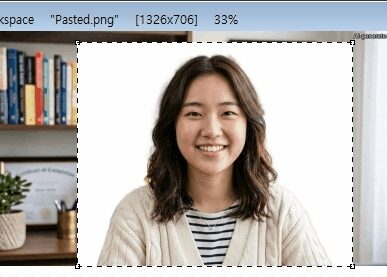
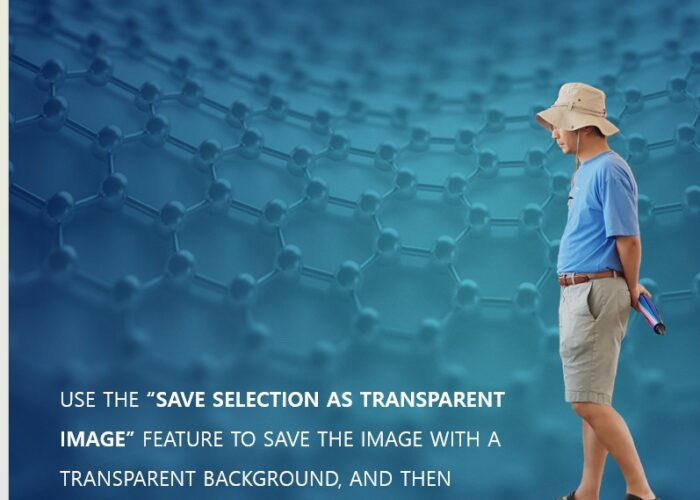
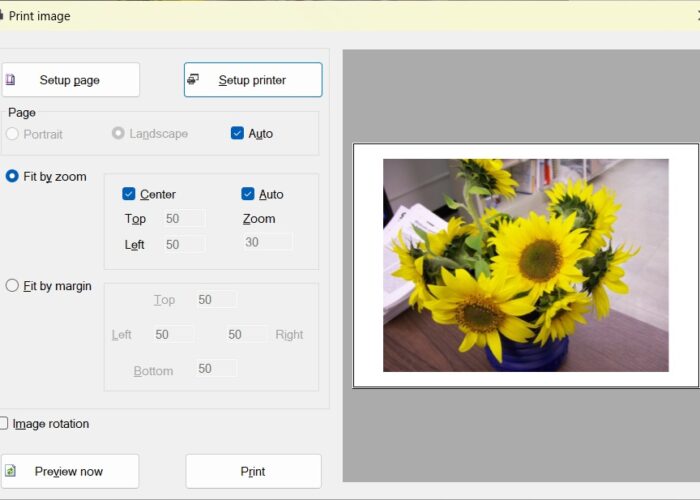
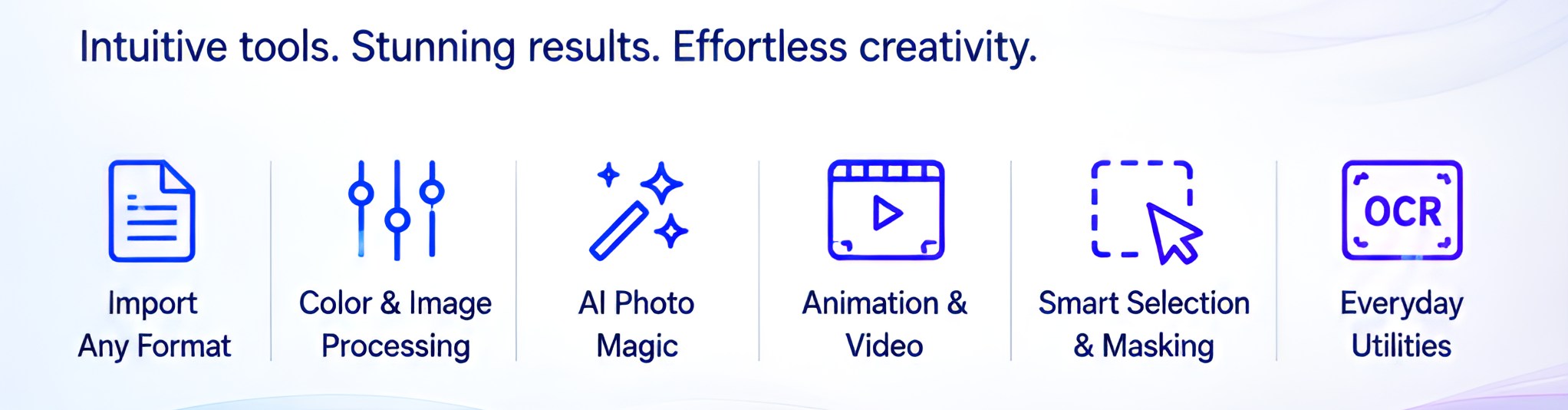
- Modern UI & Seamless Workspace: Enjoy full drag-and-drop interaction, 4K High-DPI display scaling, a convenient 10-Slot Drag & Drop Image Buffer, and advanced clipboard operations—including Paste and Fit to Rectangle Selection and the ability to copy or save selected shapes with completely transparent backgrounds for immediate use in PowerPoint or Word.
- Versatile File Importing: Don’t limit yourself to standard image formats (BMP, JPG, PNG, TIFF, GIF). PhenoCapture AI’s powerful import engine allows you to seamlessly extract and edit high-resolution images directly from PDFs, Photoshop (PSD) files, MS Office documents (Word, Excel, PowerPoint), Korean Hangul documents (HWP, HWPX), video files, and scalable SVG vector graphics.
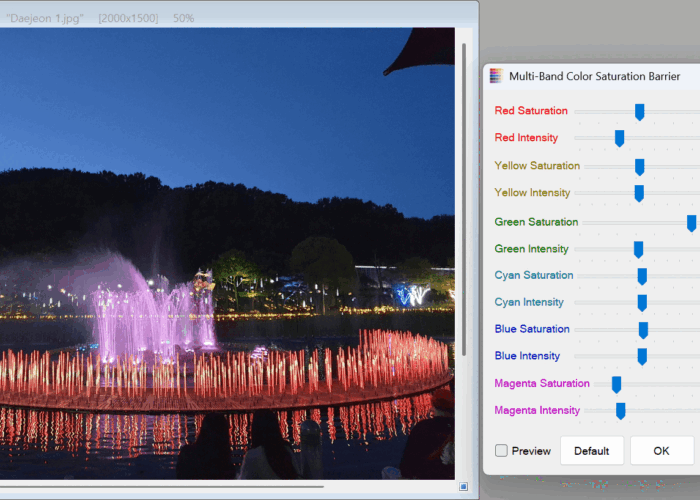
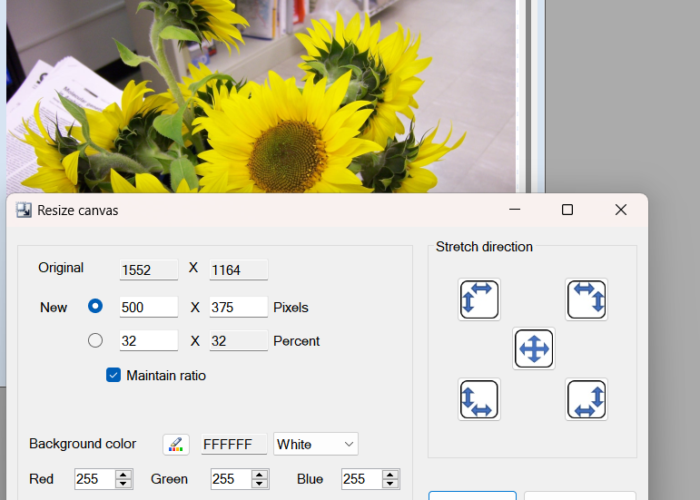
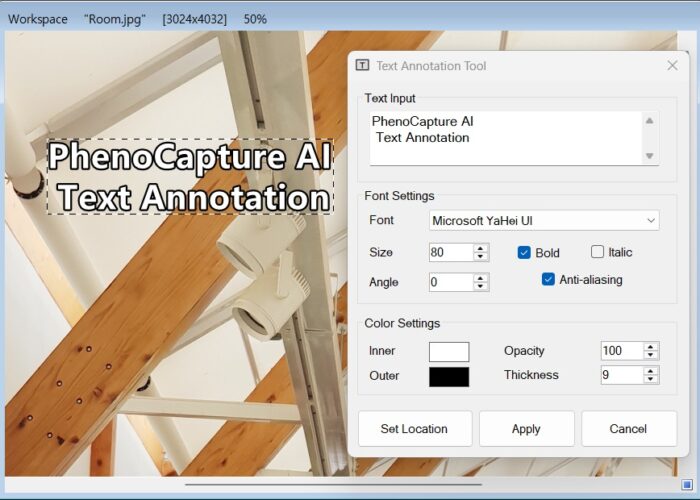
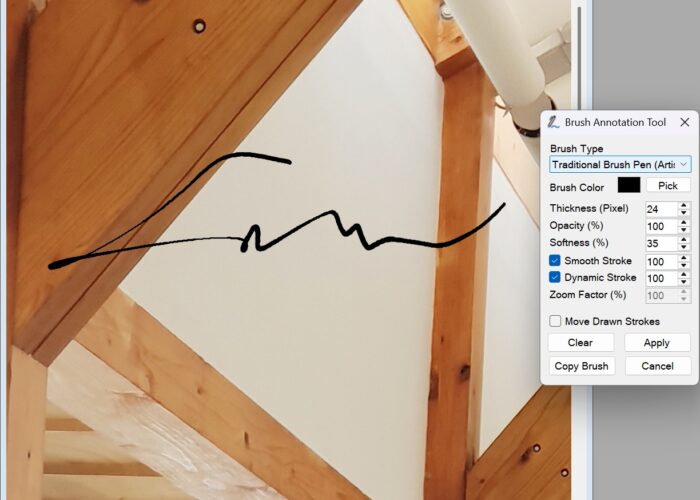
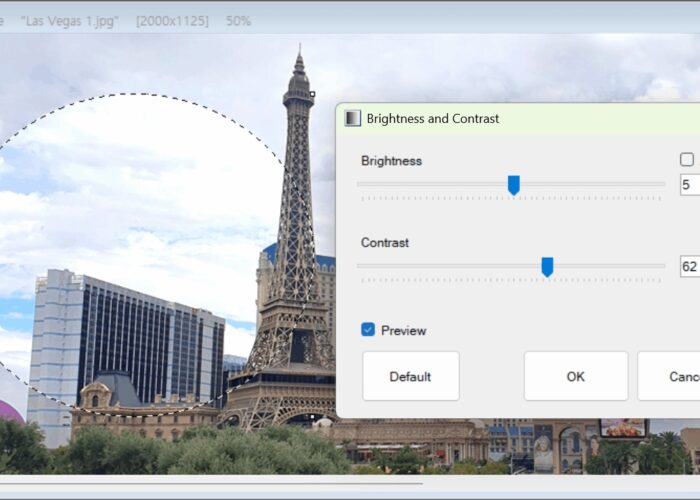
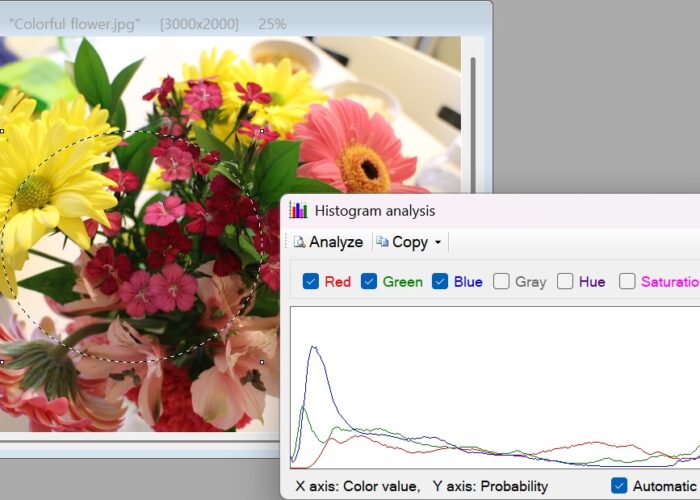
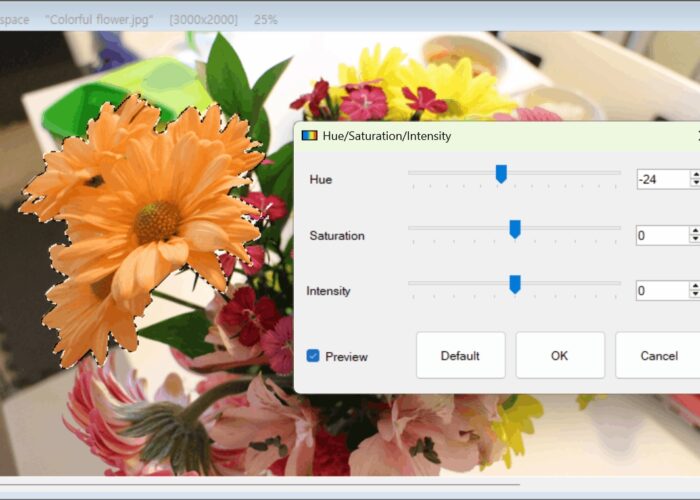
- Comprehensive Image & Color Processing: Gain total control over your visuals with advanced tools to resize, crop, annotate (Text, Brush, Image Stamp, and Overlay), and rotationally align your images. Fine-tune your aesthetics using a massive array of color adjustments—from Auto Tone/White Balance, Split Toning, and Multi-Band Color to professional-grade HSI, RGB channel splitting, rg chromaticity, Gray-to-Color thermal mapping, and CIE L*a*b* controls.
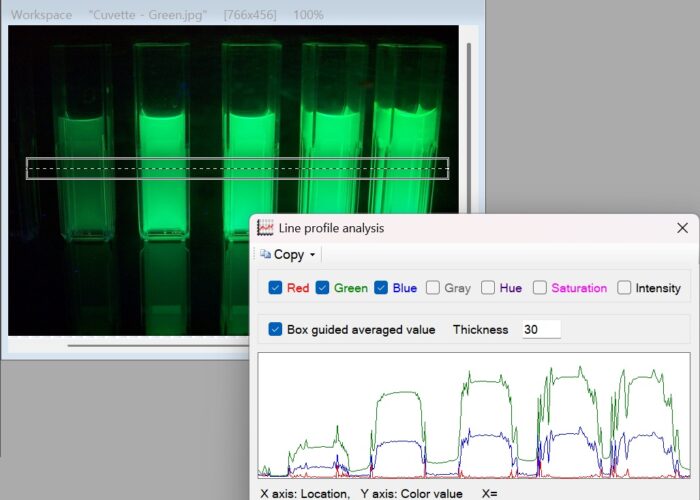
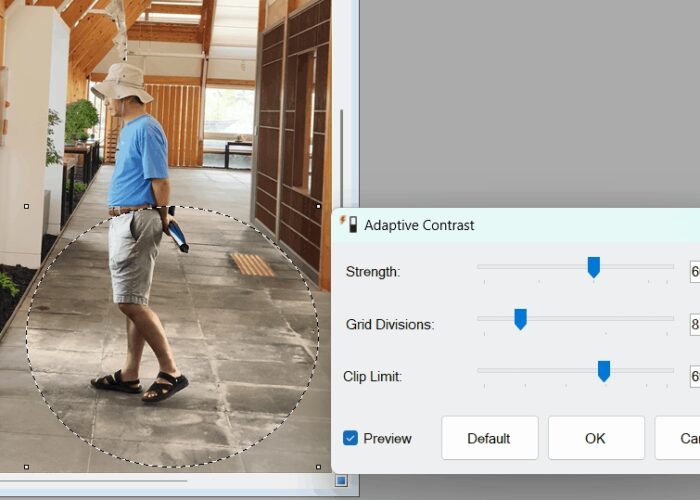
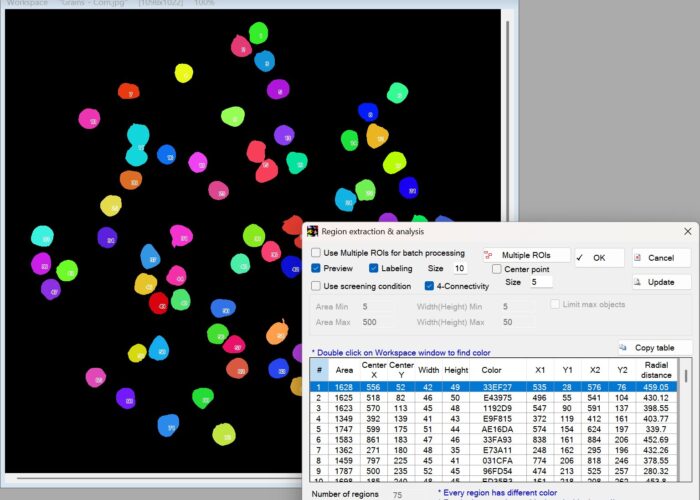
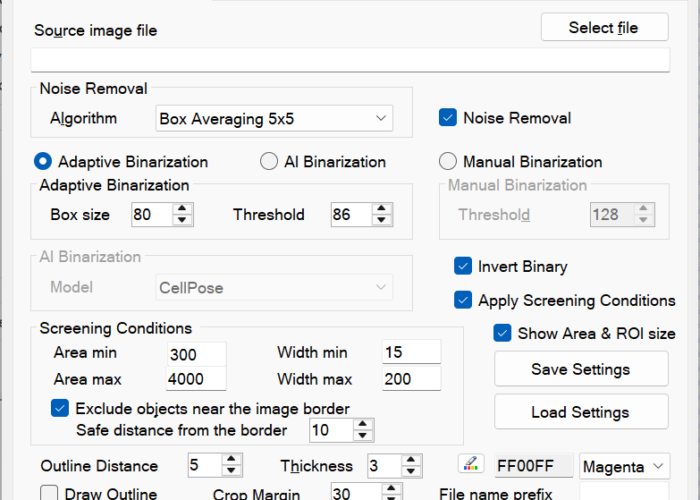
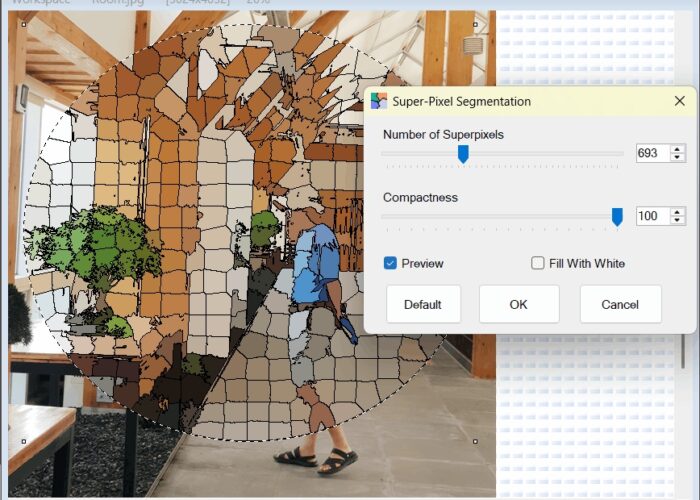
- Blazing-Fast Real-Time Previews: Our extensive array of image processing filters features incredibly powerful real-time preview capabilities. Thanks to advanced parallel processing and O(1) algorithm optimization, both creative optical effects (Soft Glow, Orton Effect, Highlight Bloom & Halation, HDR Local Tone Mapping, Smart Sketch, Dehaze, High-Pass Sharpening, and Miniature Effect) and complex analytical filters—such as superpixel segmentation, adaptive contrast, adaptive binarization, rolling ball background subtraction, and correcting uneven illumination—render real-time viewport previews at exceptionally high speeds (FPS).
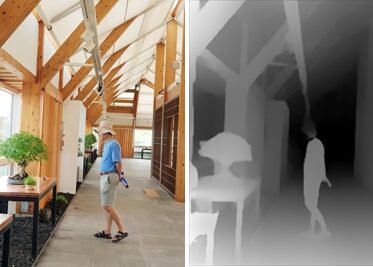
- AI Photo Magic: Remove backgrounds from selfies, portraits, and general objects with a single click. Seamlessly erase unwanted photobombers or blemishes using AI Inpainting, fix harsh lighting with AI Auto Exposure Correction, and breathe new life into old, low-resolution, or blurry photos with Neural Image Upscaling (Super-Resolution) and multi-tier AI Image Quality Restoration.
- Fun & Dynamic Creations: Easily transform your still photo sequences into looping, shareable Animated GIFs and APNG with the built-in Quick Animation tool or turn image folders into high-quality MP4/WMV videos using the Video Encoder.
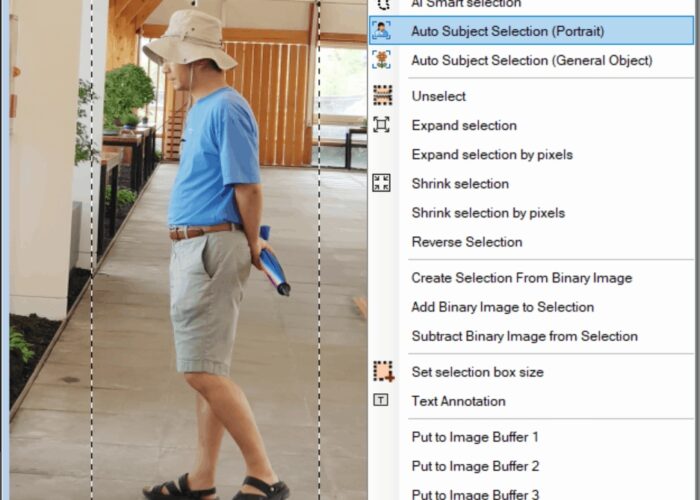
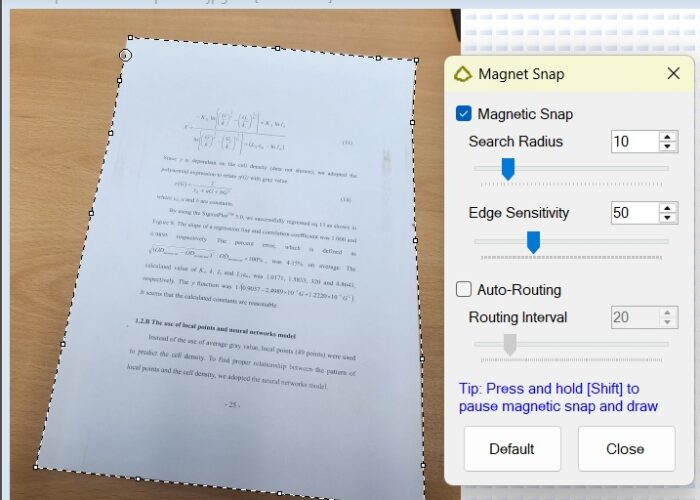
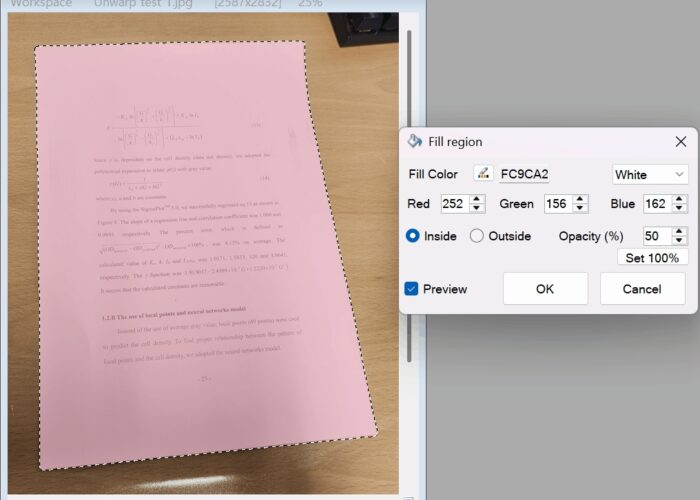
- Smart Selection & Masking: Isolate any subject effortlessly using interactive AI Smart Selection and Auto Subject Selection (tuned for fine hair and general objects), or trace contours hands-free with our “digital magnet” Magnetic Snap and Auto-Routing tools, complete with flexible binary mask and expand/shrink operations.
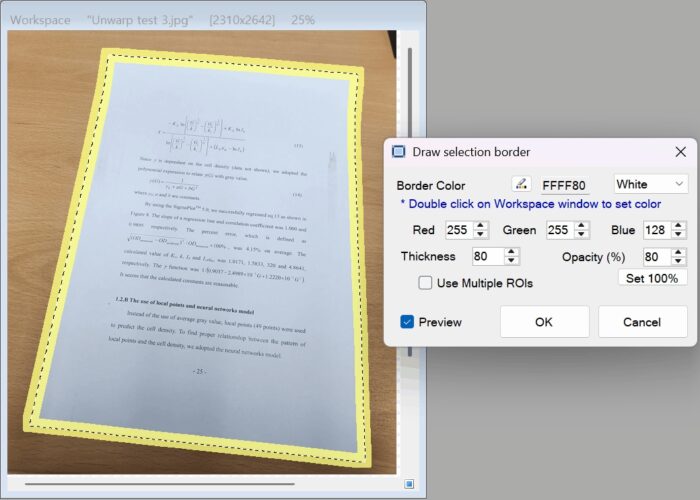
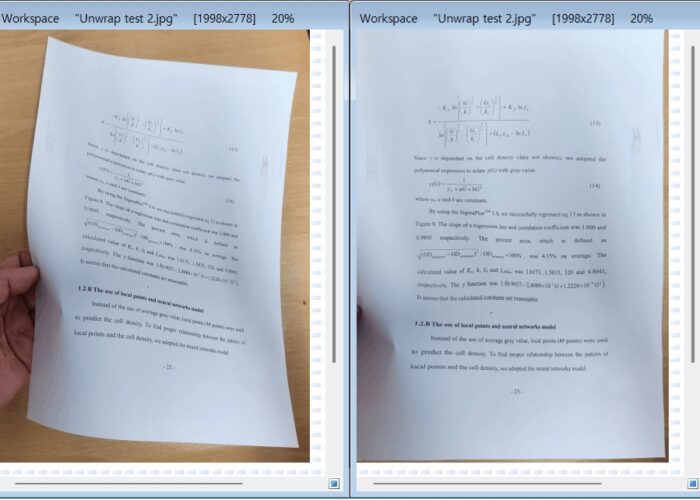
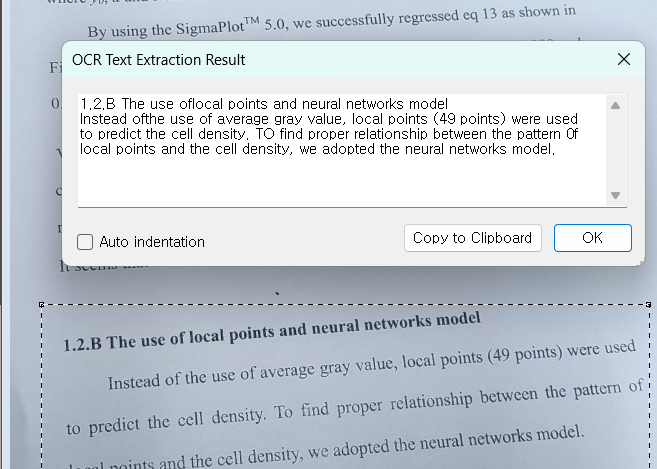
- Everyday Utilities: Quickly extract editable text from scanned documents using smart AI OCR, flatten and unwarp curved book pages, and experiment fearlessly knowing our dual-tracking Undo/Redo engine preserves both image states and selection snapshots.
Advanced Camera, Video & Live Capture
Transform your webcams and digital cameras into a studio-grade control center for live video, content creation, and long-term observation:
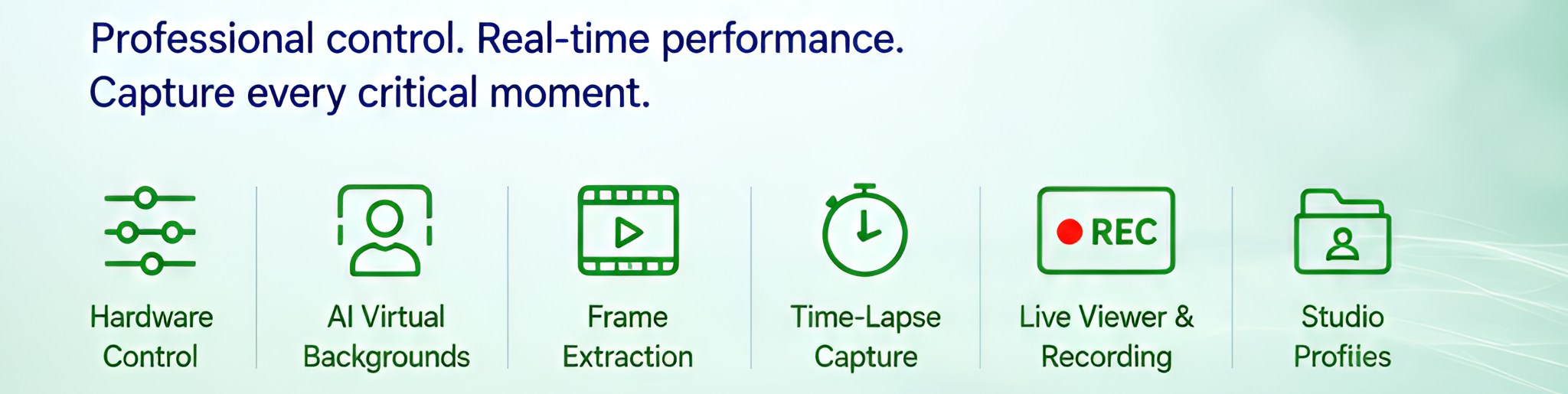
- Broadcast-Quality Hardware Control: Enjoy broad compatibility with USB/4K Ultra HD webcams (WDM) and flatbed scanners (WIA/TWAIN). Bypass automatic webcam guesswork with complete manual override over exposure, iris, focus lock, white balance, backlight compensation, and PTZ (Pan/Tilt/Zoom) for a rock-solid, professional video feed.
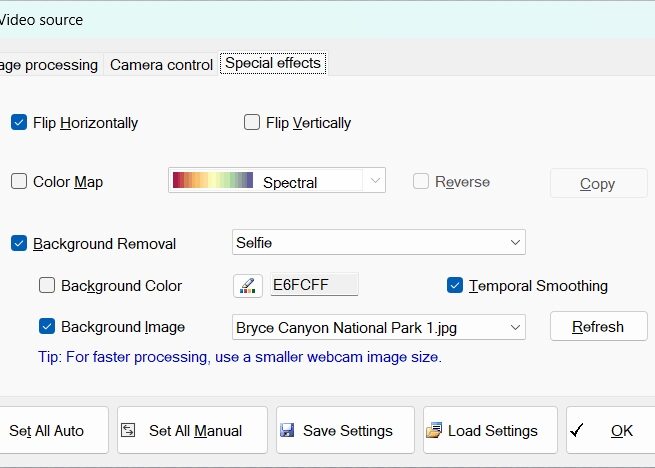
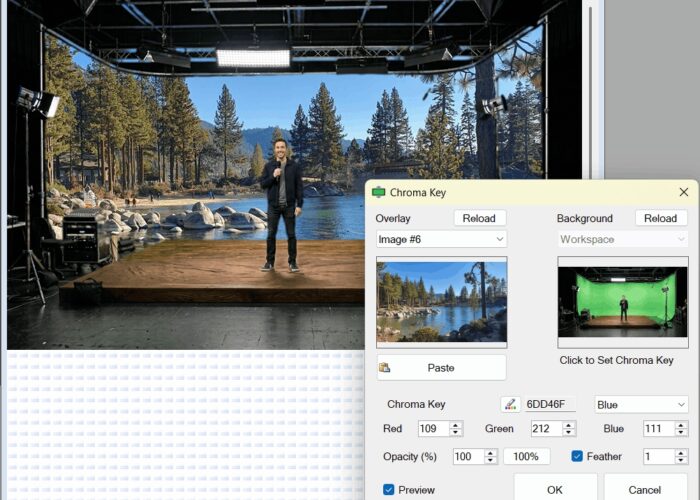
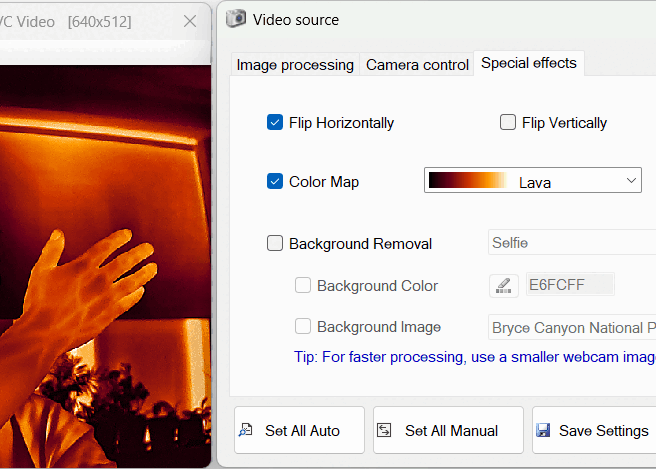
- Real-Time AI Virtual Backgrounds: Replace messy backgrounds on live video without a physical green screen. Choose lightweight Selfie or high-precision Portrait AI models for sharp edge separation, solid color replacement, custom image backgrounds, and temporal smoothing to prevent edge flickering.
- Remote Network Services: Expand your reach with built-in FTP automatic uploads, Online Live View web services, and Remote Webcam Server/Client capabilities to broadcast and process live camera feeds across your local IP networks.
- Precision Video Frame Extraction: Grab high-resolution still photos directly from video files (MP4, MOV, WMV, MKV, AVI, MPEG, TS, and more) with frame-by-frame precision. Easily pinpoint single keyframes, automate batch extraction sequences across custom time intervals, or copy frames straight to your clipboard for instant use.
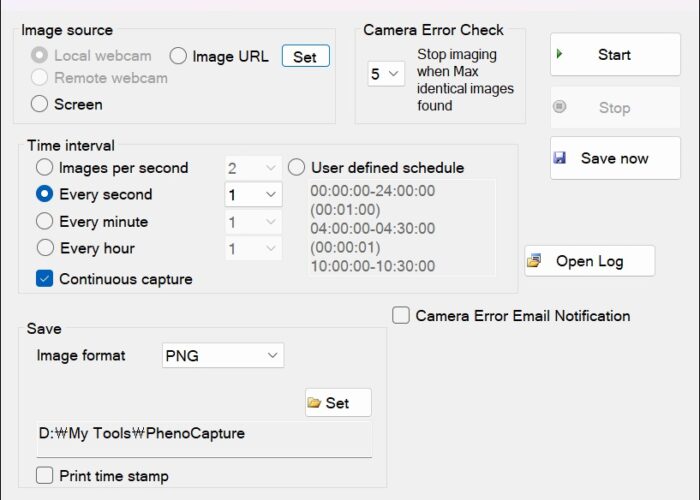
- Automated Time-Lapse Capture: Record slow-moving processes, 3D prints, remote camera URLs, or screen regions over hours or weeks. Features flexible time intervals, automatic date/time stamping, and smart error detection with instant email notifications for frozen feeds.
- Zero-Lag Live Viewer & Recording: Monitor live feeds with zero latency, apply real-time spectral color maps, freeze frames instantly with Lock Sync, and record high-definition MP4/WMV videos or GIFs with perfectly synchronized audio.
- Studio Configuration Profiles: Dial in your ideal lighting, exposure, and virtual background settings once, then save and reload your custom studio setups instantly via lightweight CSV profile files.
Automate, Program, and Quantify for Researchers & Developers
For scientists, engineers, developers, and power users, PhenoCapture AI serves as a robust analytical powerhouse and a highly flexible coding environment, eliminating tedious manual labor and transforming data into measurable insights:
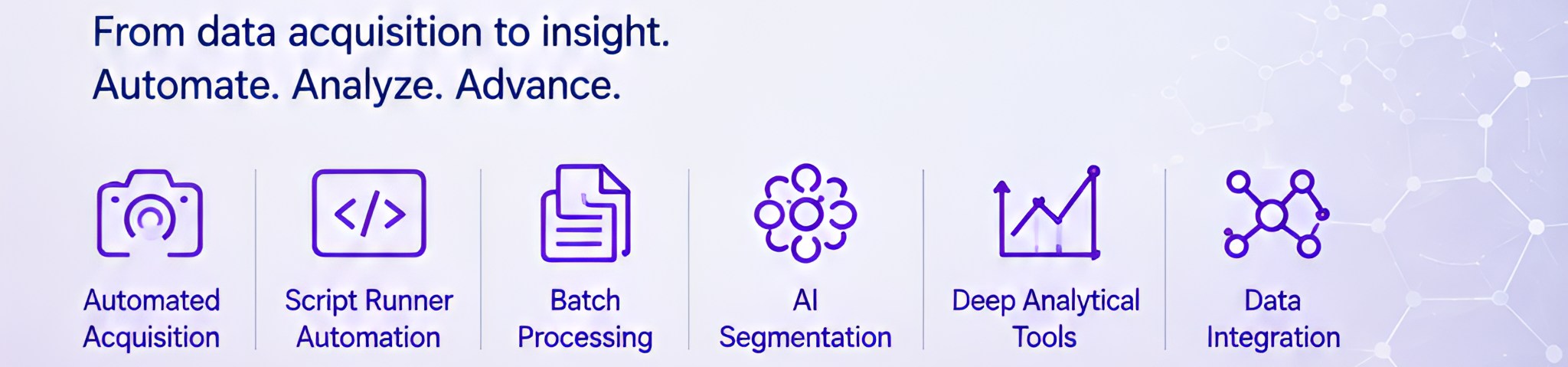
- Automated Acquisition: Seamlessly capture continuous time-lapse images directly from HD webcams or IP cameras to monitor and quantify phenotypic changes over days or weeks.
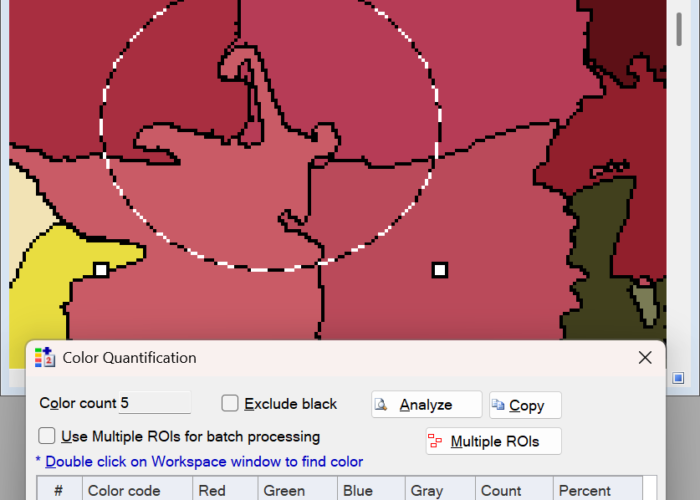
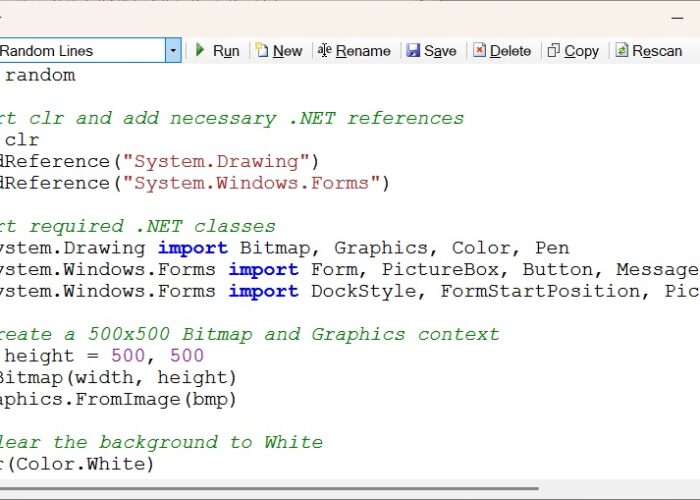
- Limitless Automation with Script Programming: Take full control of your image editing and analysis workflow. Write and execute custom scripts directly within the application using VBScript, JavaScript, or Python to automate complex, repetitive tasks. Crucially, your scripts have full programmatic access to nearly 500 built-in API functions covering every single menu feature in the software, allowing you to freely chain and utilize all advanced AI capabilities within your custom programming.
- High-Volume Batch Processing & Utilities: Save hours of manual work by building custom processing sequences and applying them to hundreds of images at once—supported by bulk watermark/timestamp stamping (Batch Text Writer) and automated web image scraping (Web Image Downloader).