Skip to content

PhenoCapture AI (Coming Soon)

  • HOME
  • PRODUCTS
    • PhenoCapture AI
  • FEATURES
    • OVERVIEW
    • MENU SCREENSHOT
    • MENU GUIDE
    • PHOTO GALLERY
  • RESOURCES
    • TUTORIALS
    • API REFERENCE
    • API For Python
    • API For JavaScript
    • API For VBScript
    • WEBCAMS
  • PRICING
  • SUPPORT
    • ABOUT
    • FAQ
    • CONTACT

PHOTO GALLERY

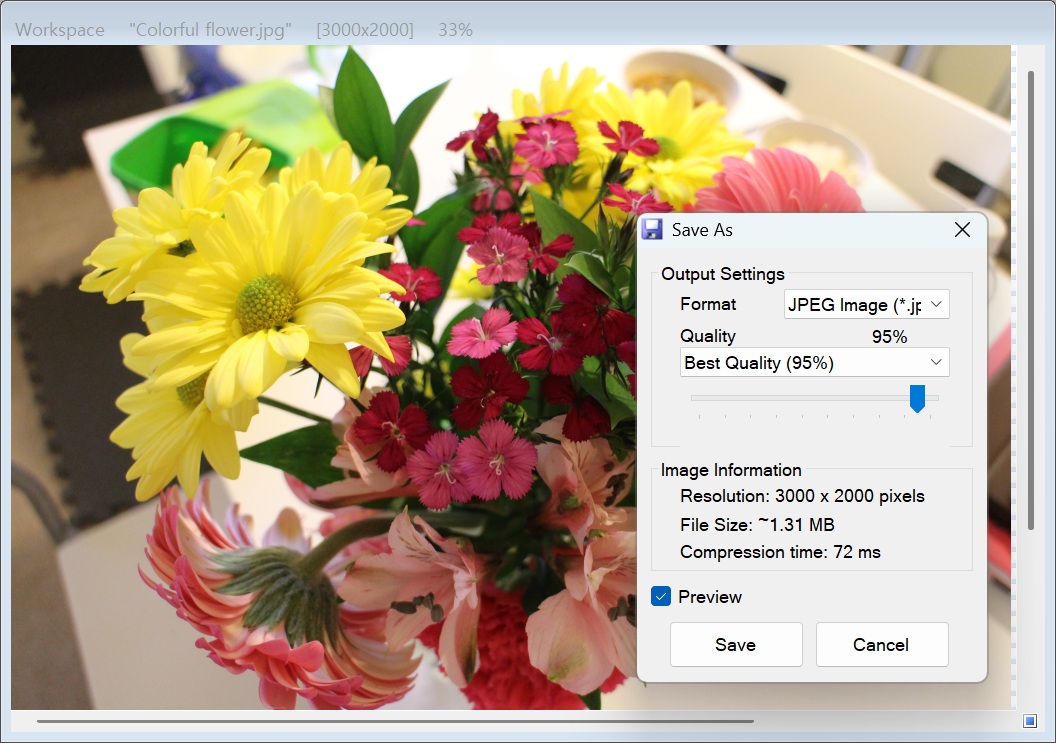
[Save As]

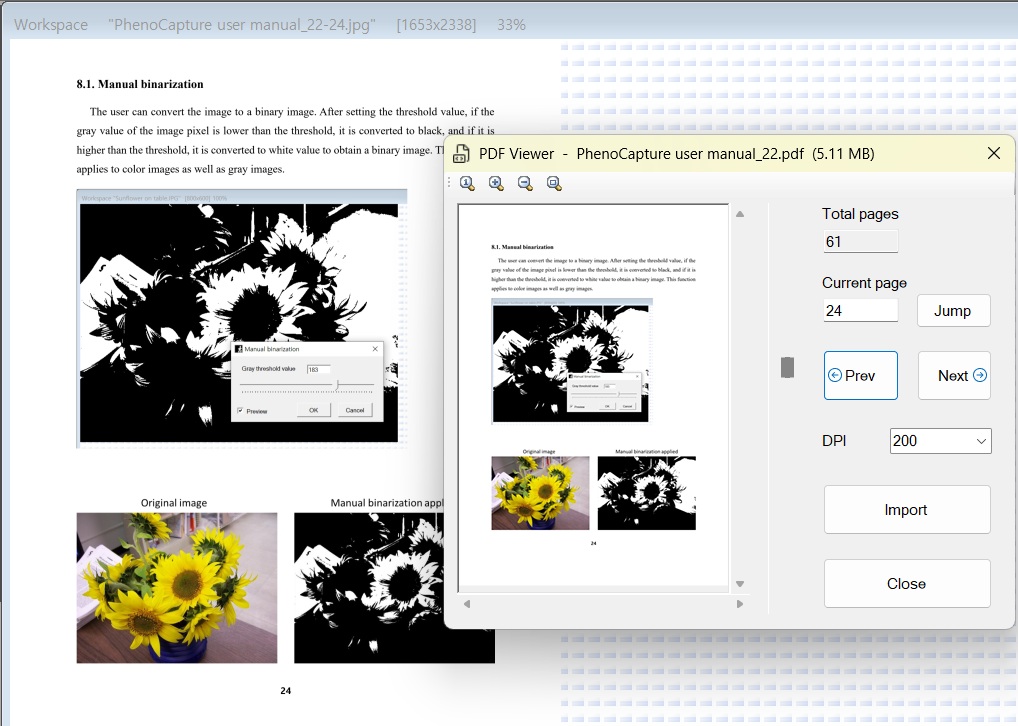
[PDF Viewer & Import]

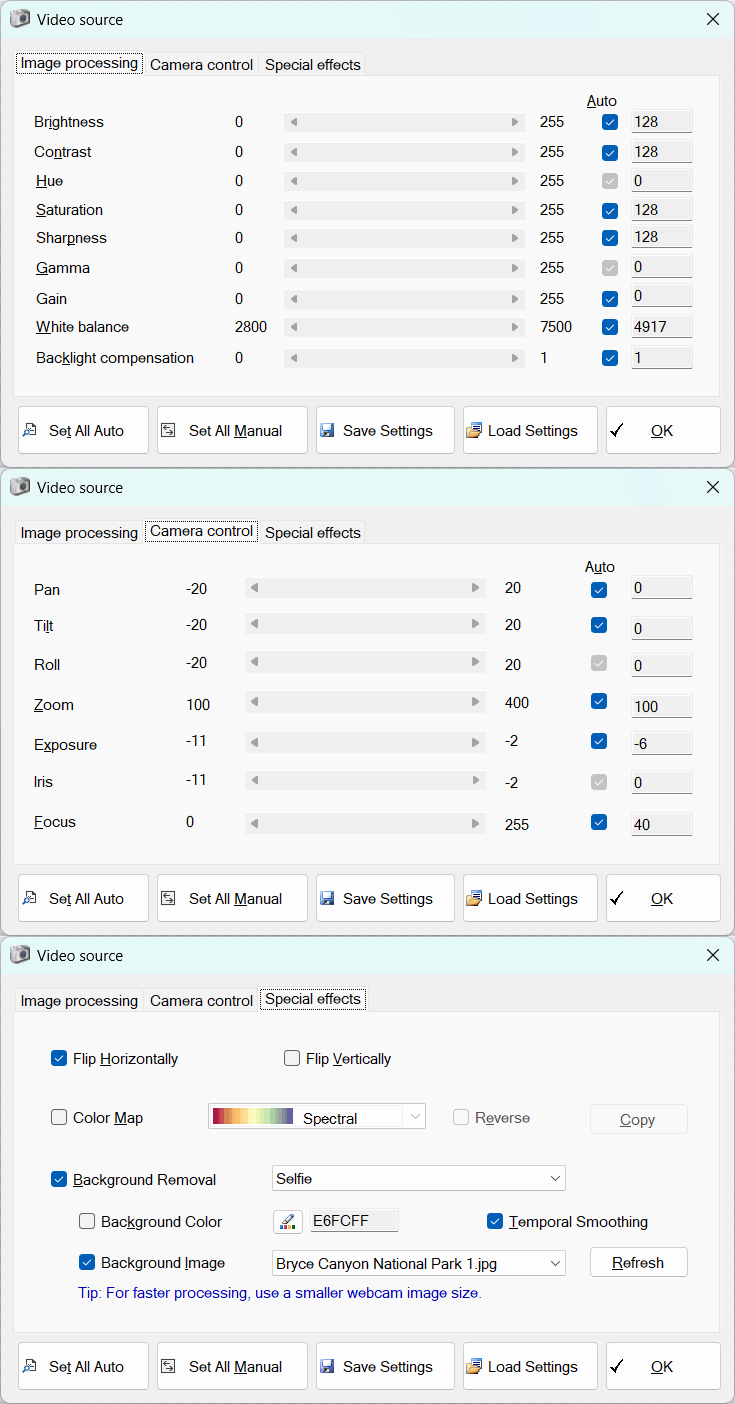
[Webcam Live View & Virtual Backgrounds]
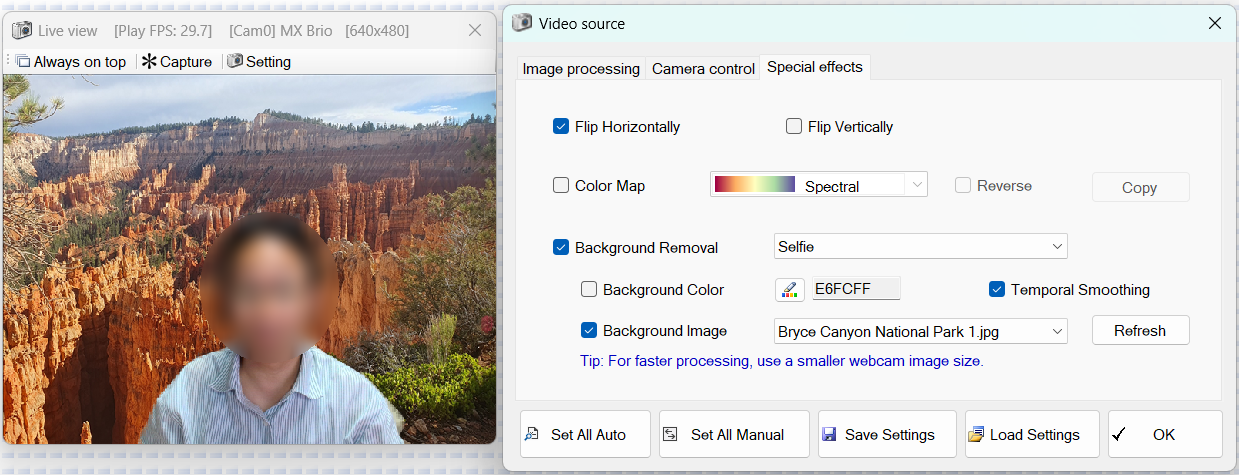
[Camera Control & Settings]

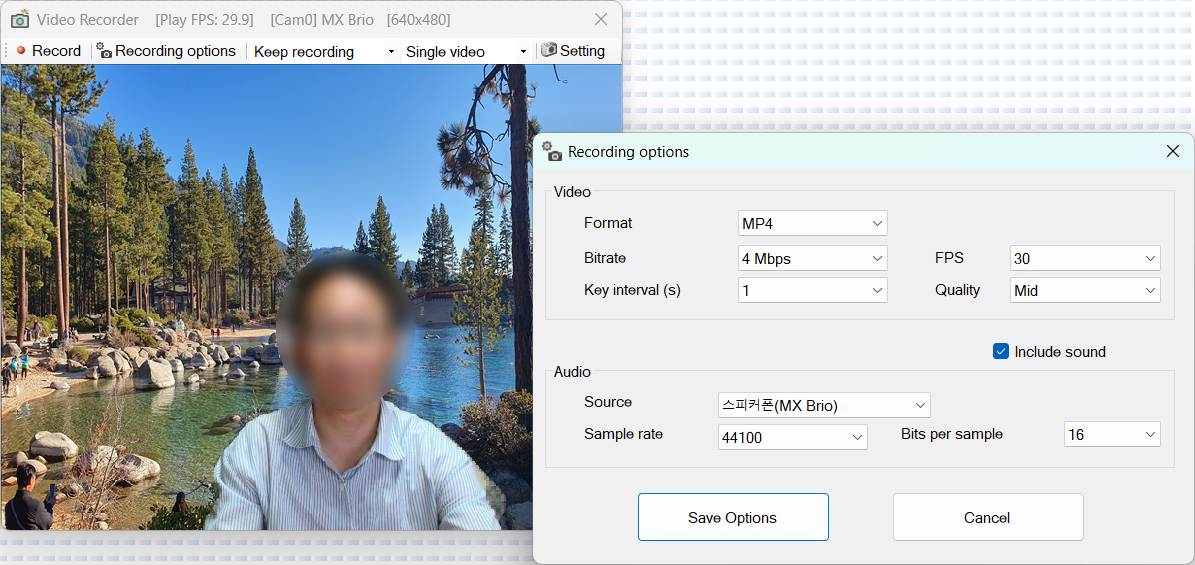
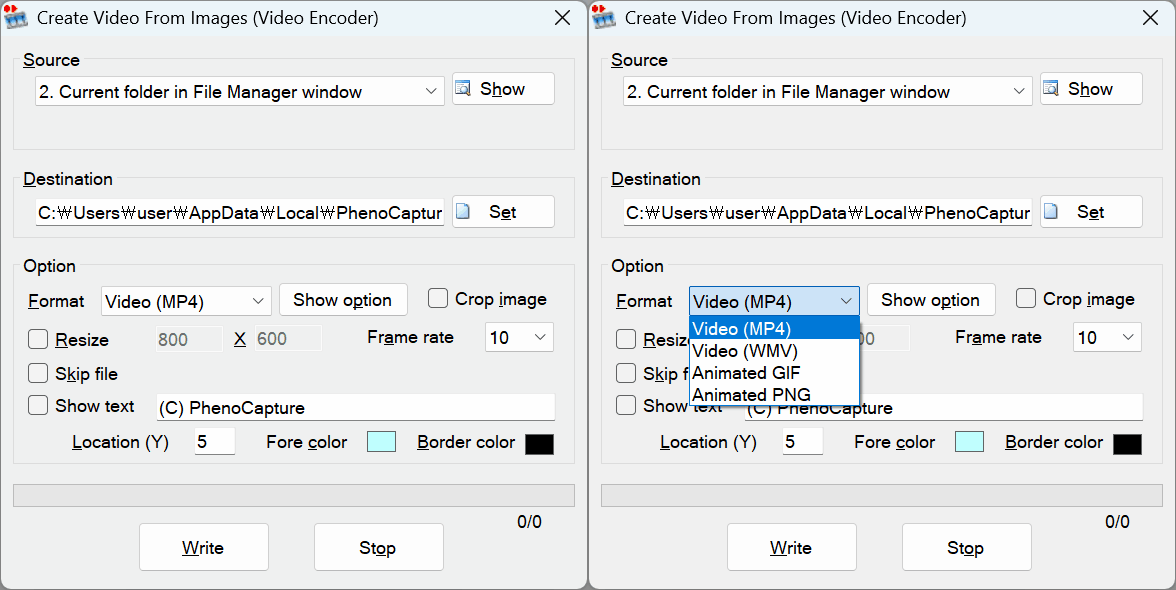
[Video Recorder]

https://phenocapture.com/wp-content/uploads/2026/08/Sunflower-dancing.mp4


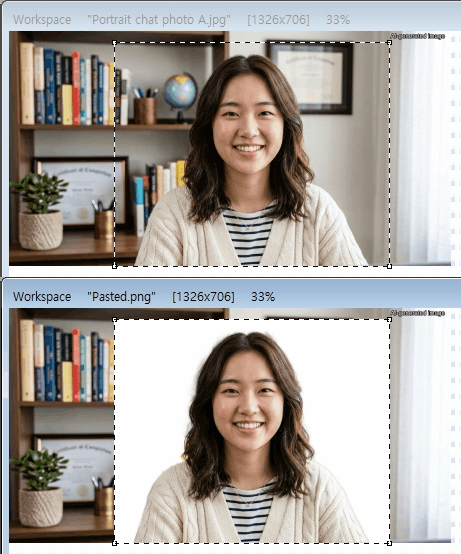
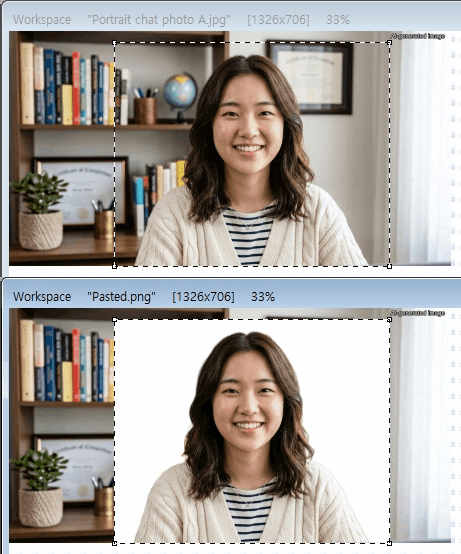
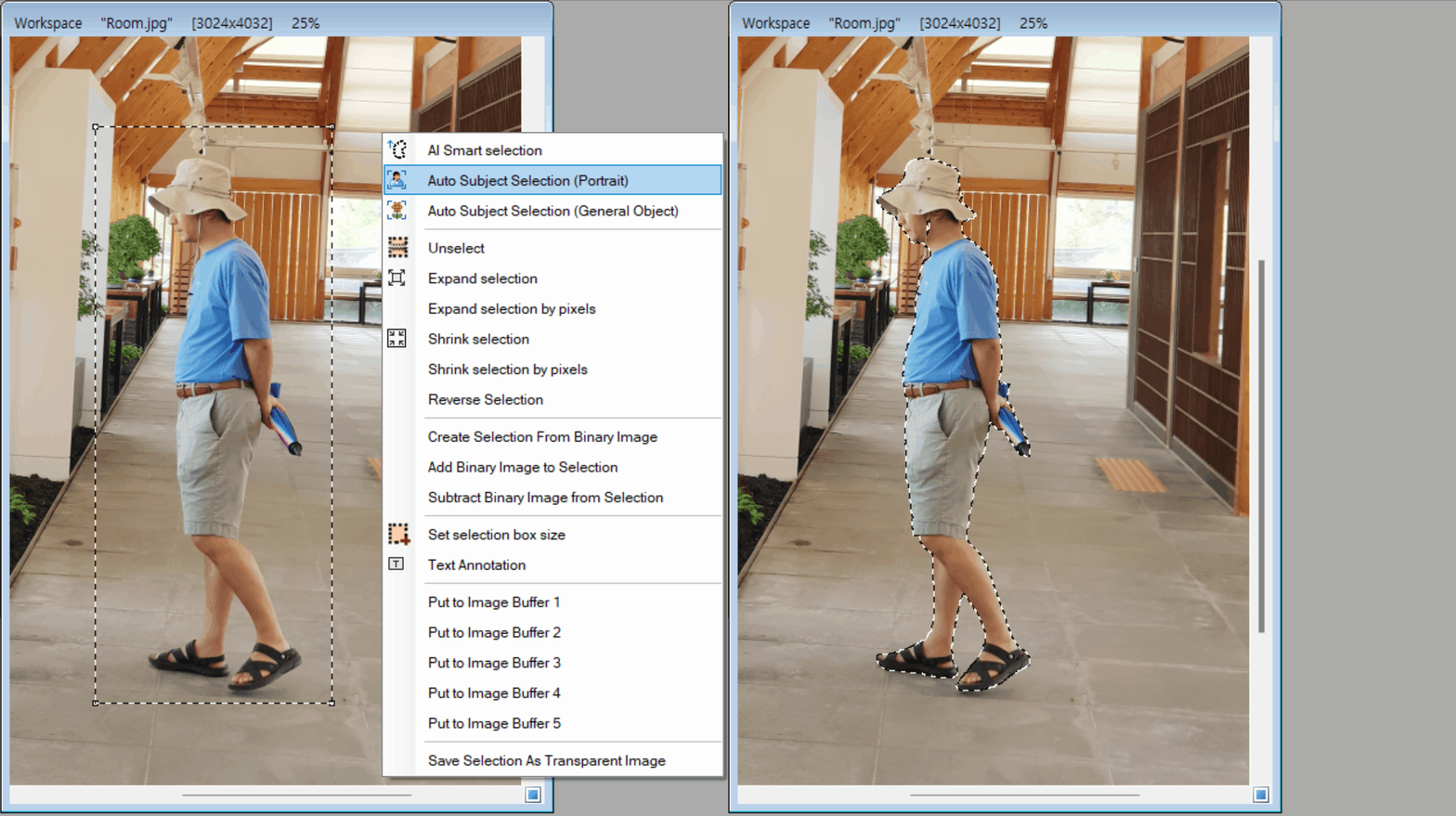
[Automatic Subject Selection (Portrait)]
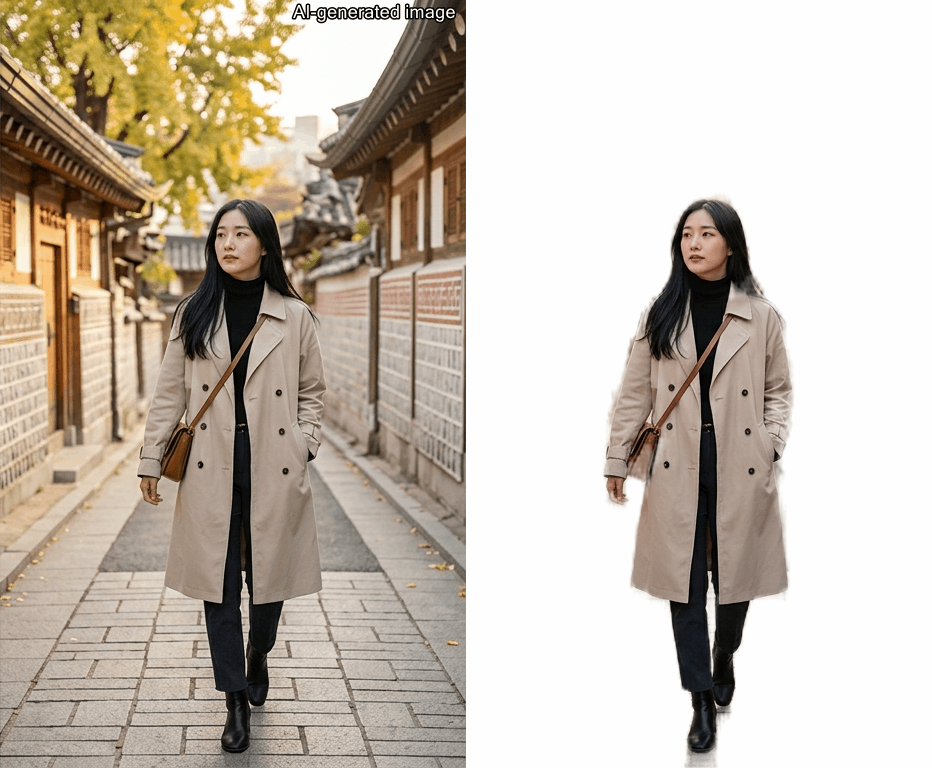
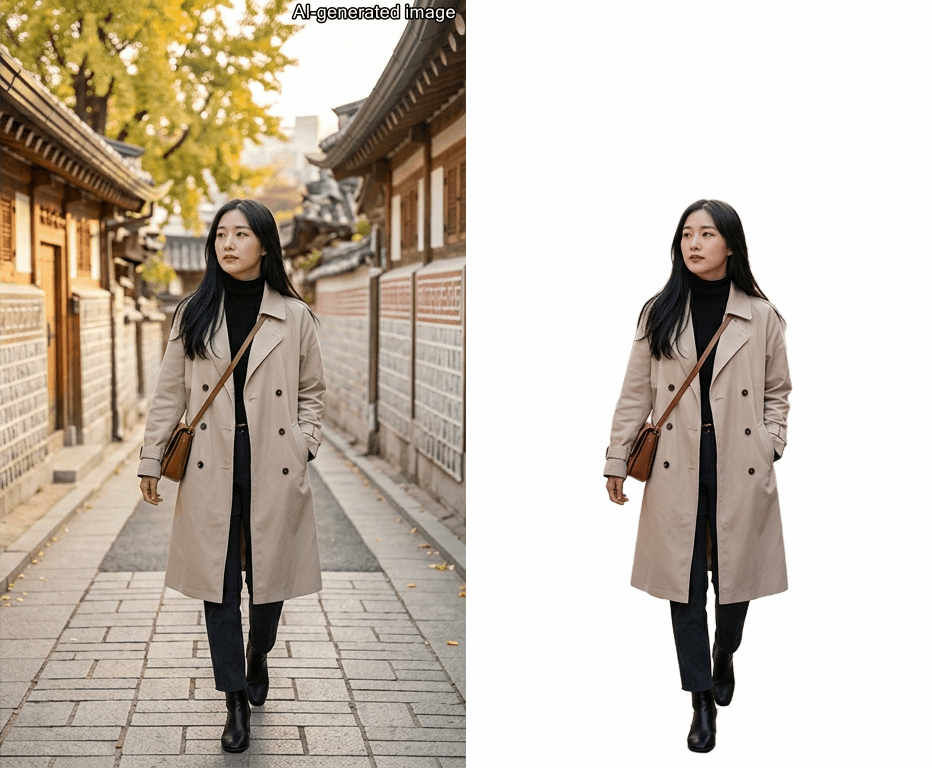
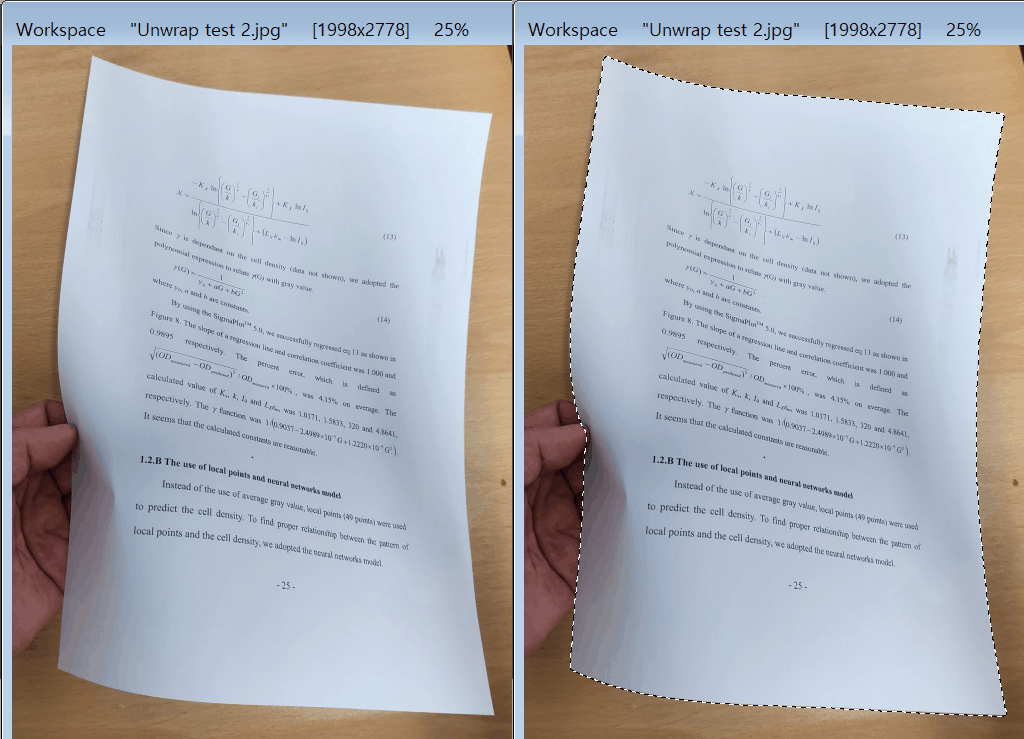
[Automatic Subject Selection (General Object)]
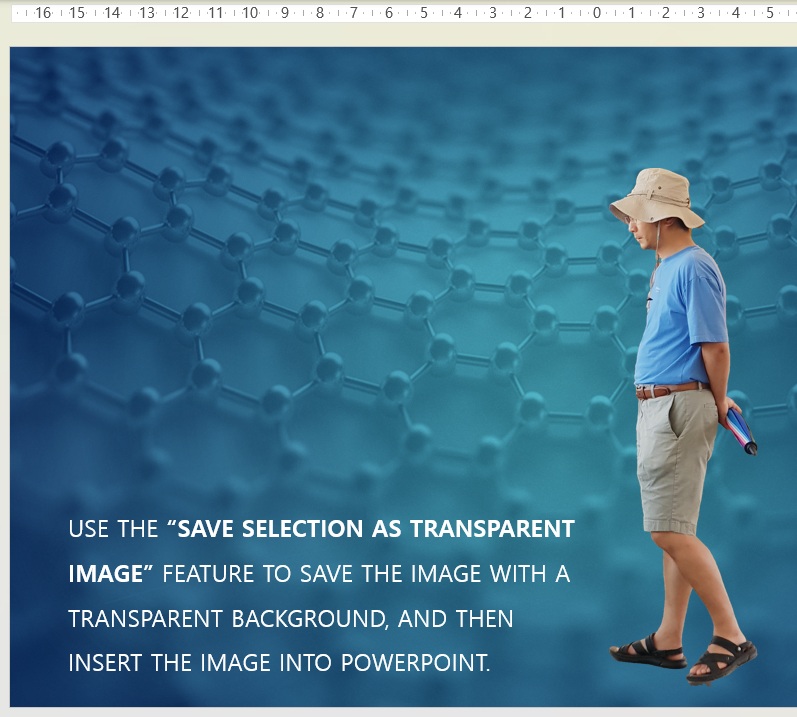
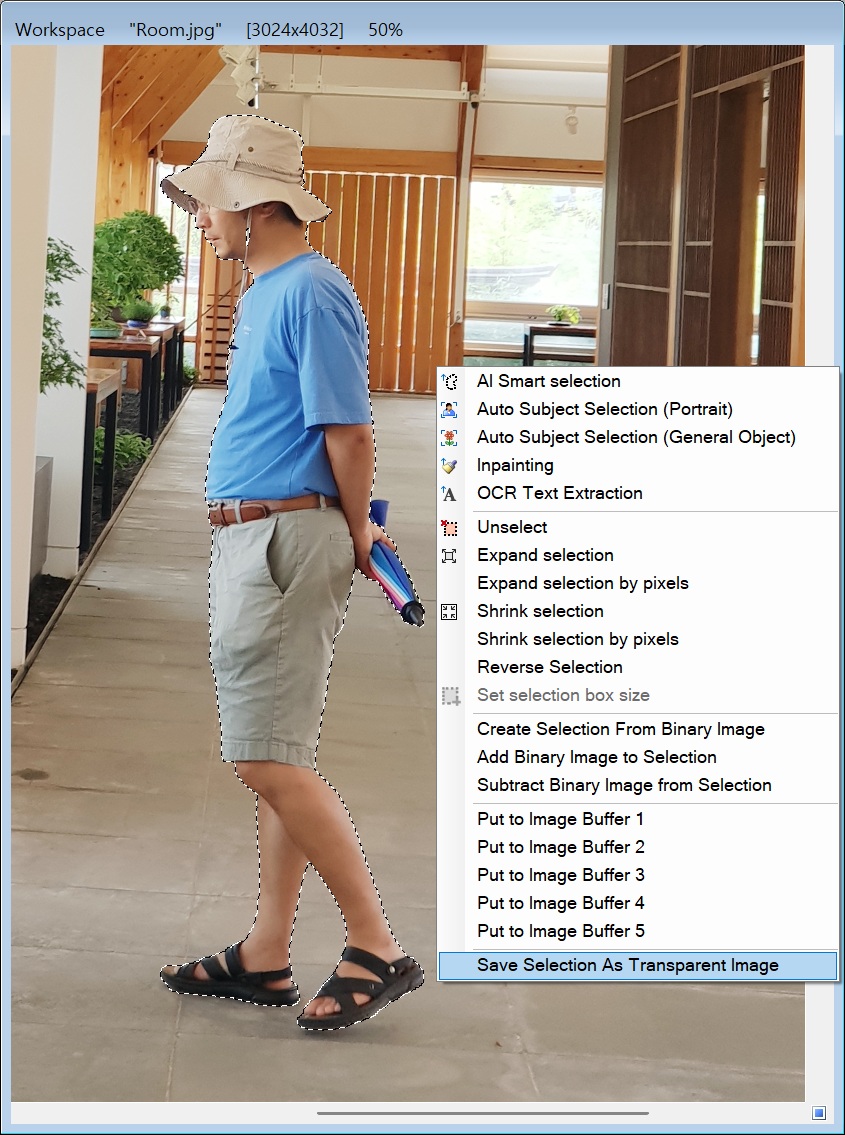
[Save Selection as Transparent Image]
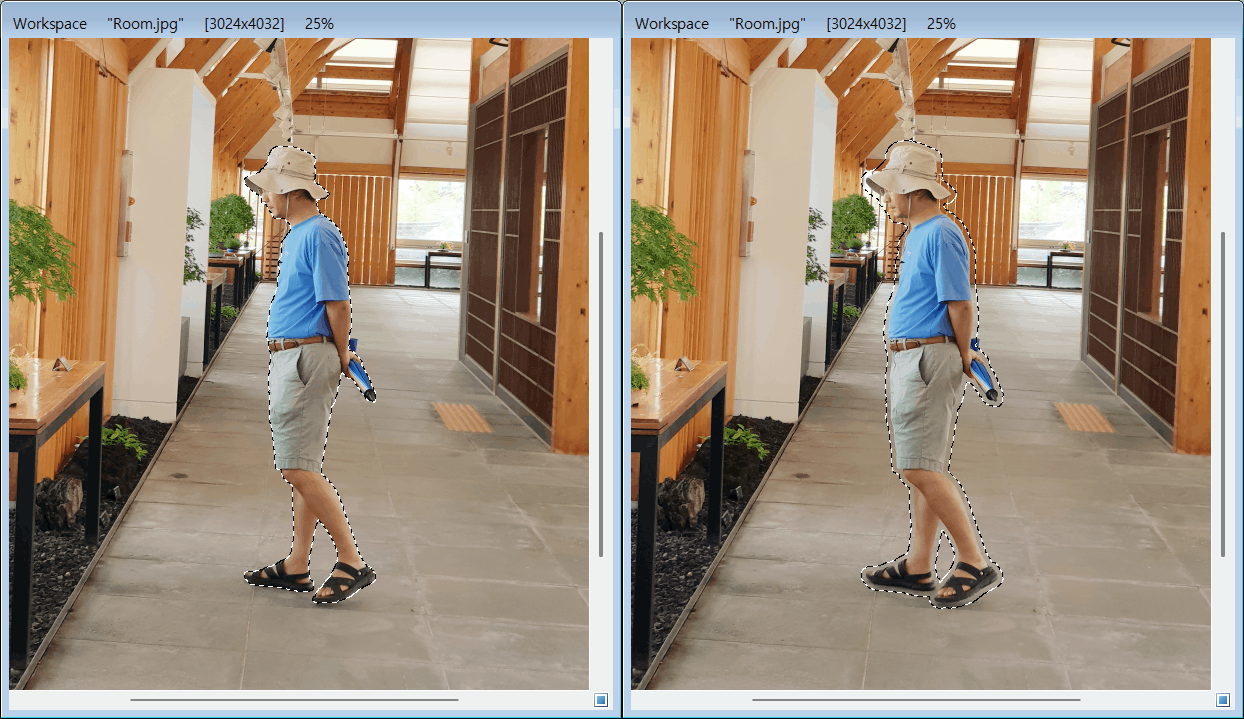
[Expand or Shrink Selection]

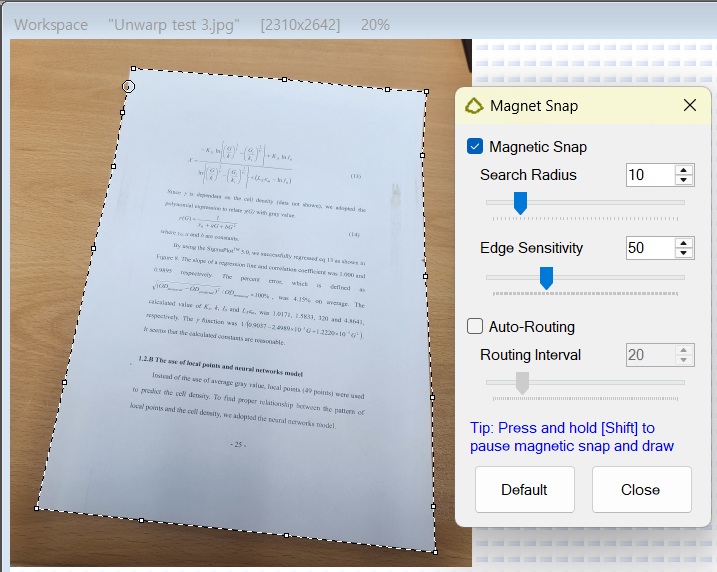
[Magnet Snap for Paths or Polygons]
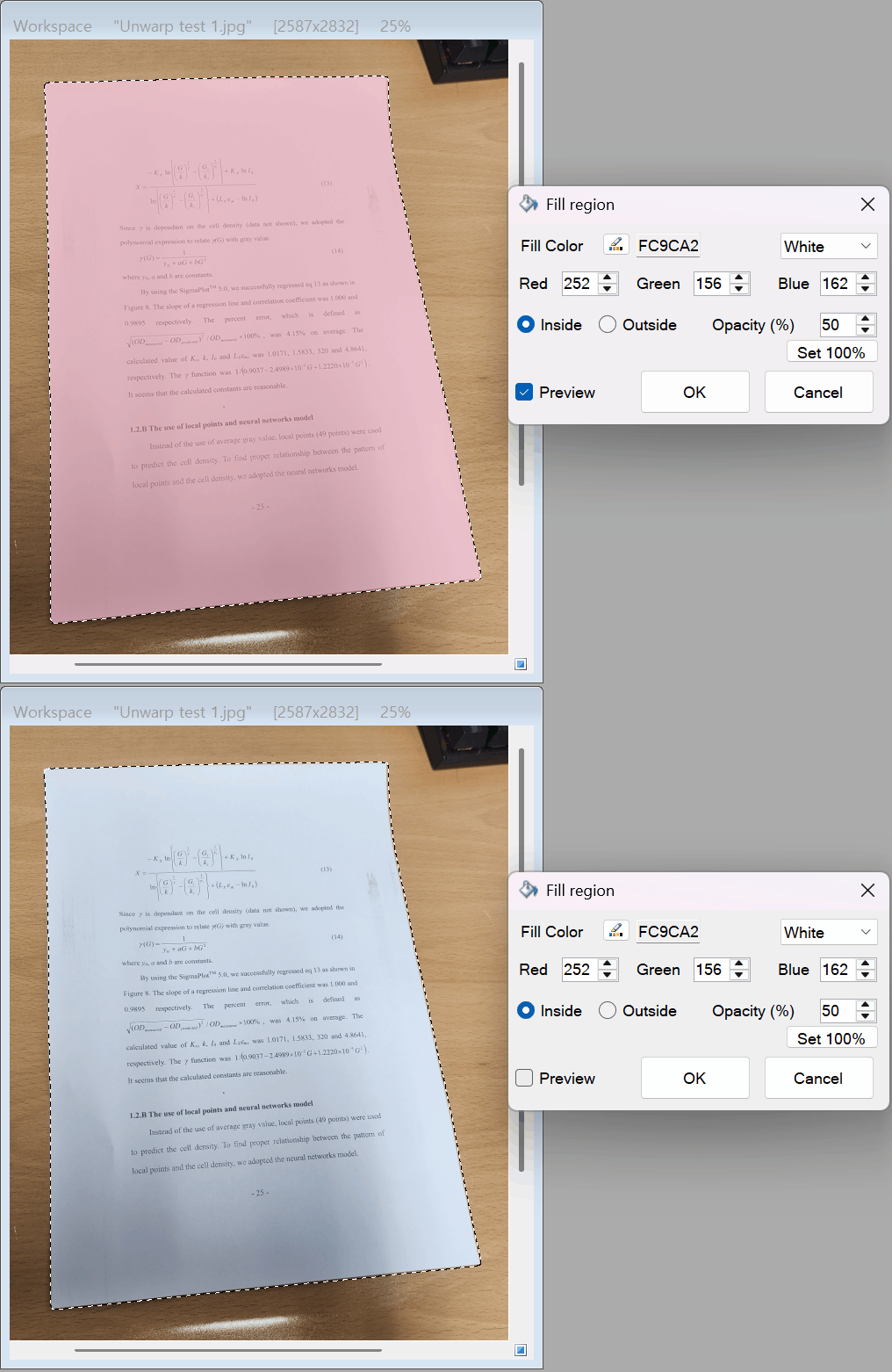
[Fill Region]

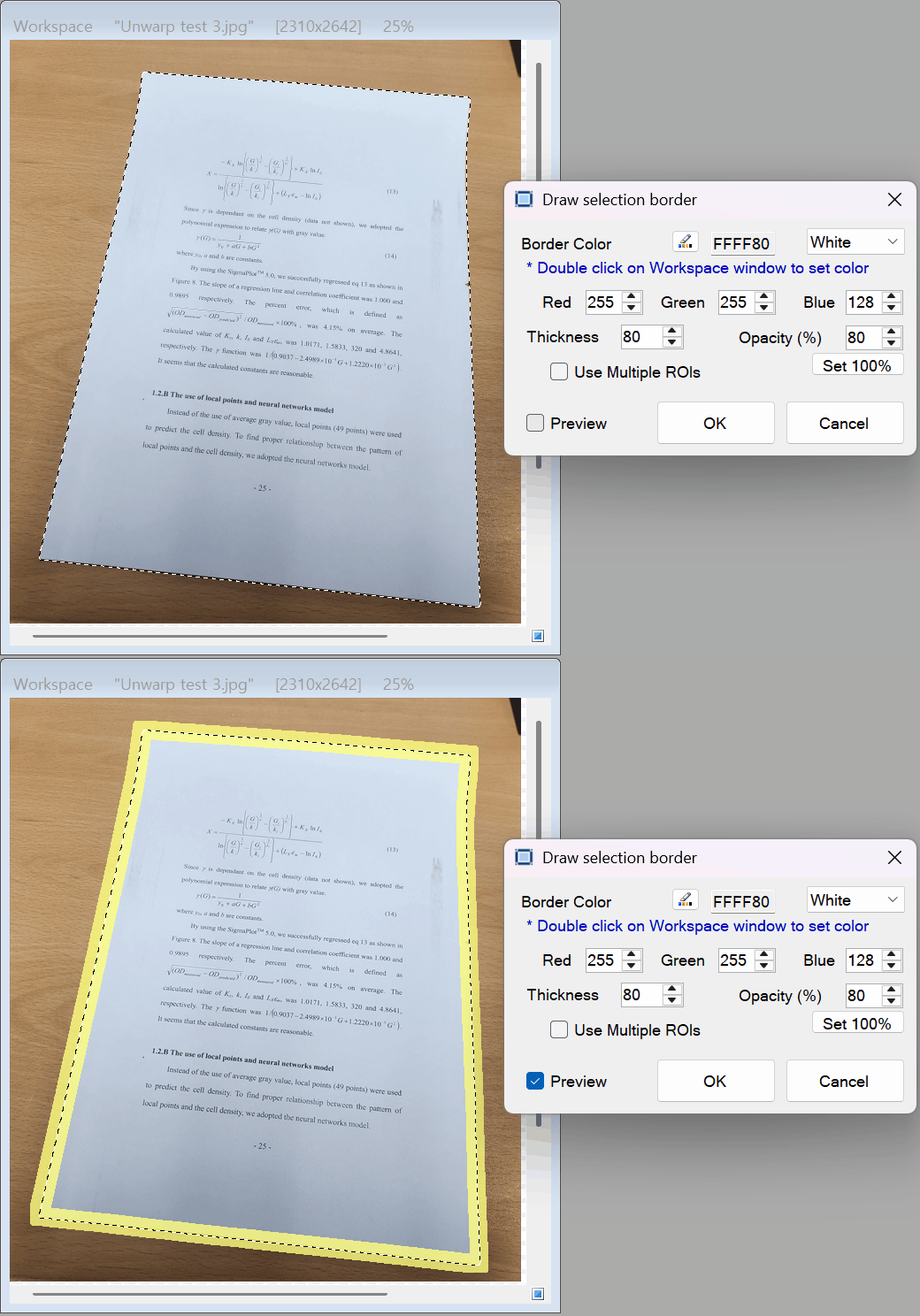
[Draw Selection Border]

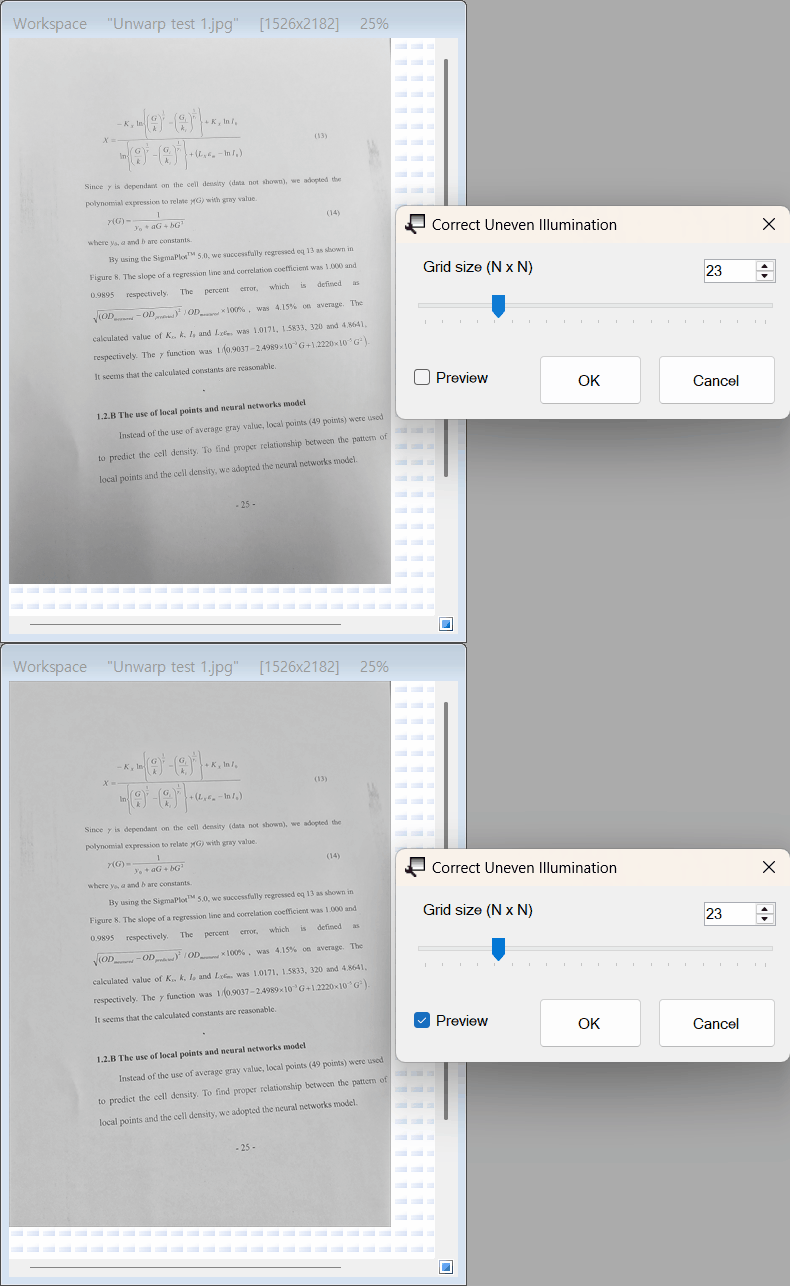
[Correct Uneven Illumination]

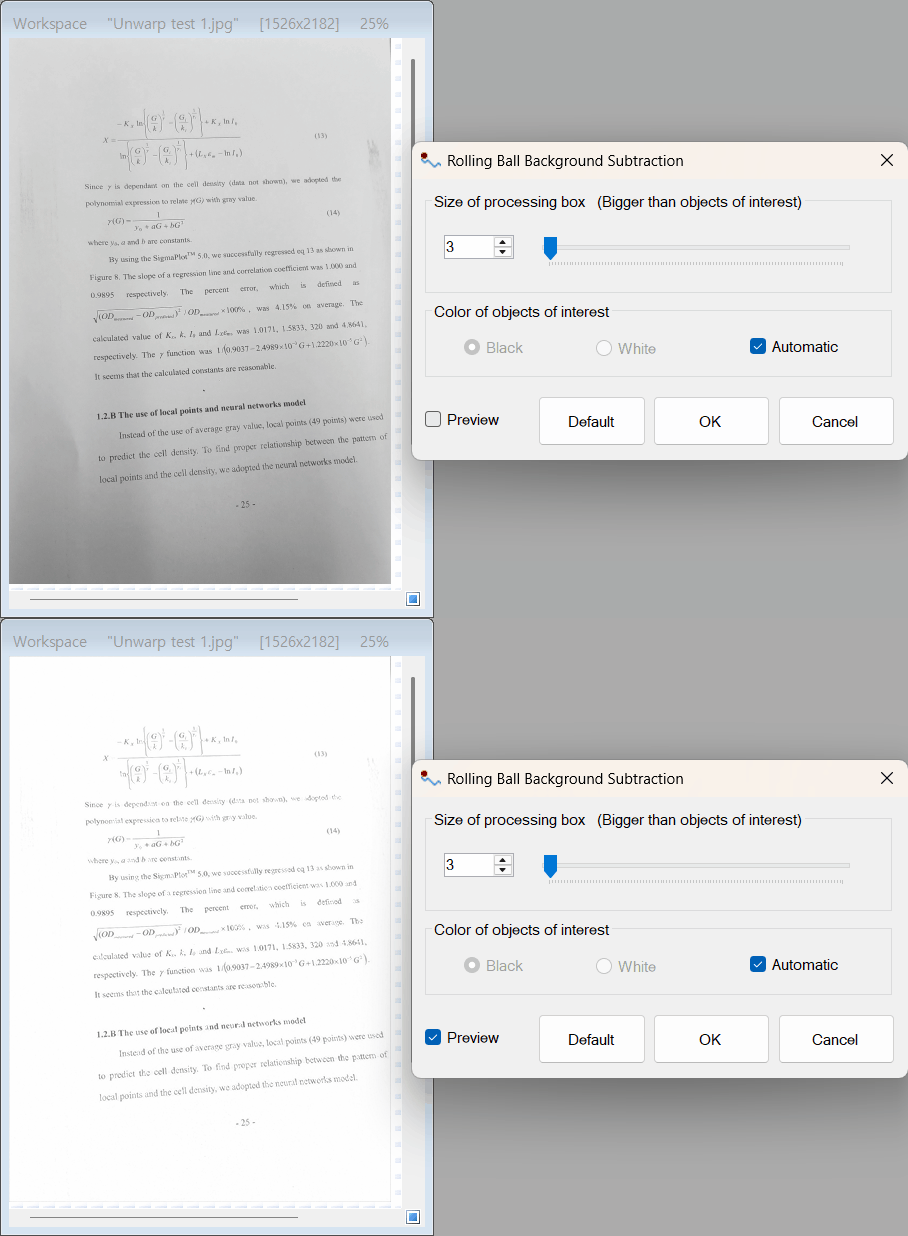
[Rolling Ball Background Subtraction]
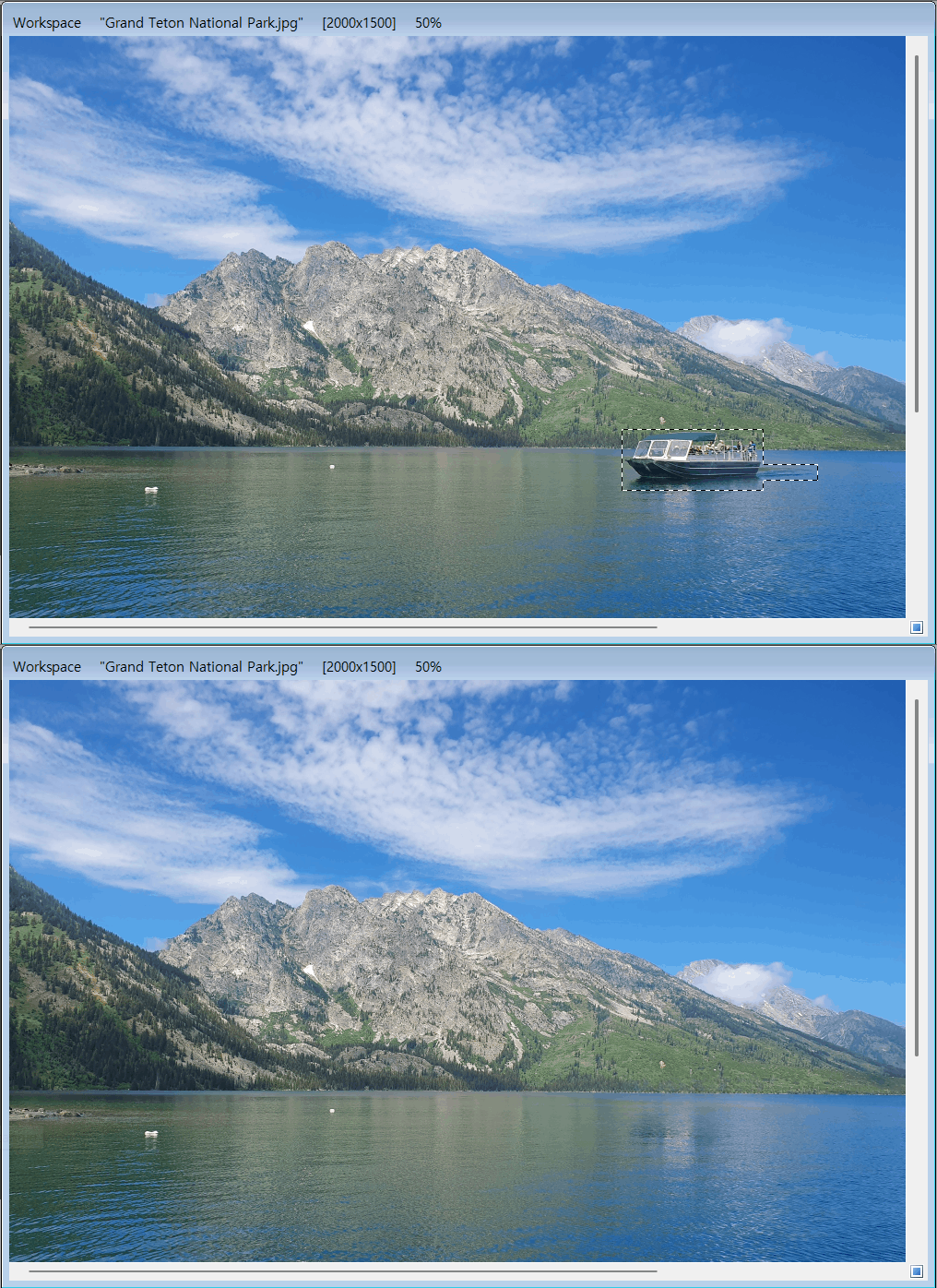
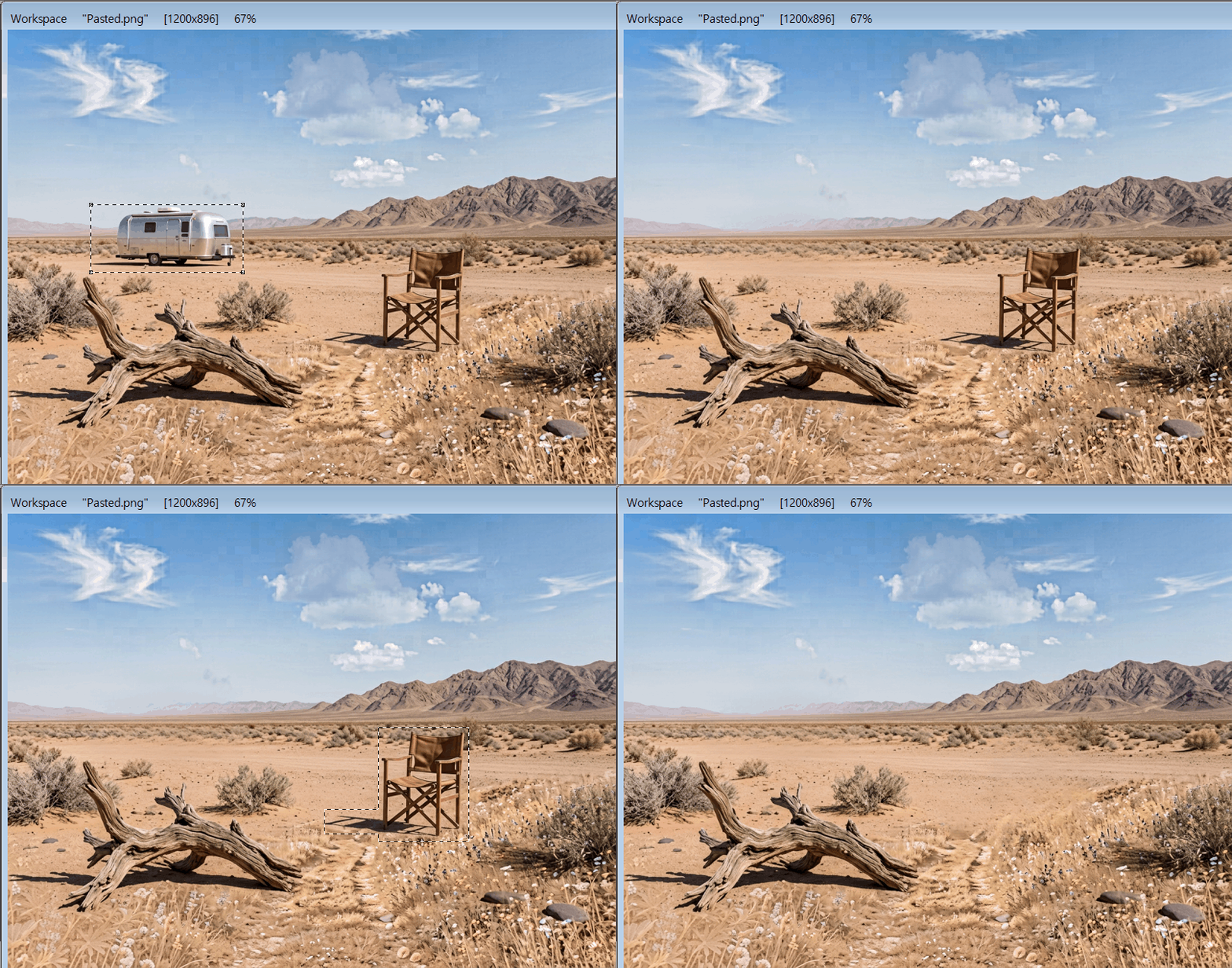
[AI Inpainting]

[AI Inpainting]

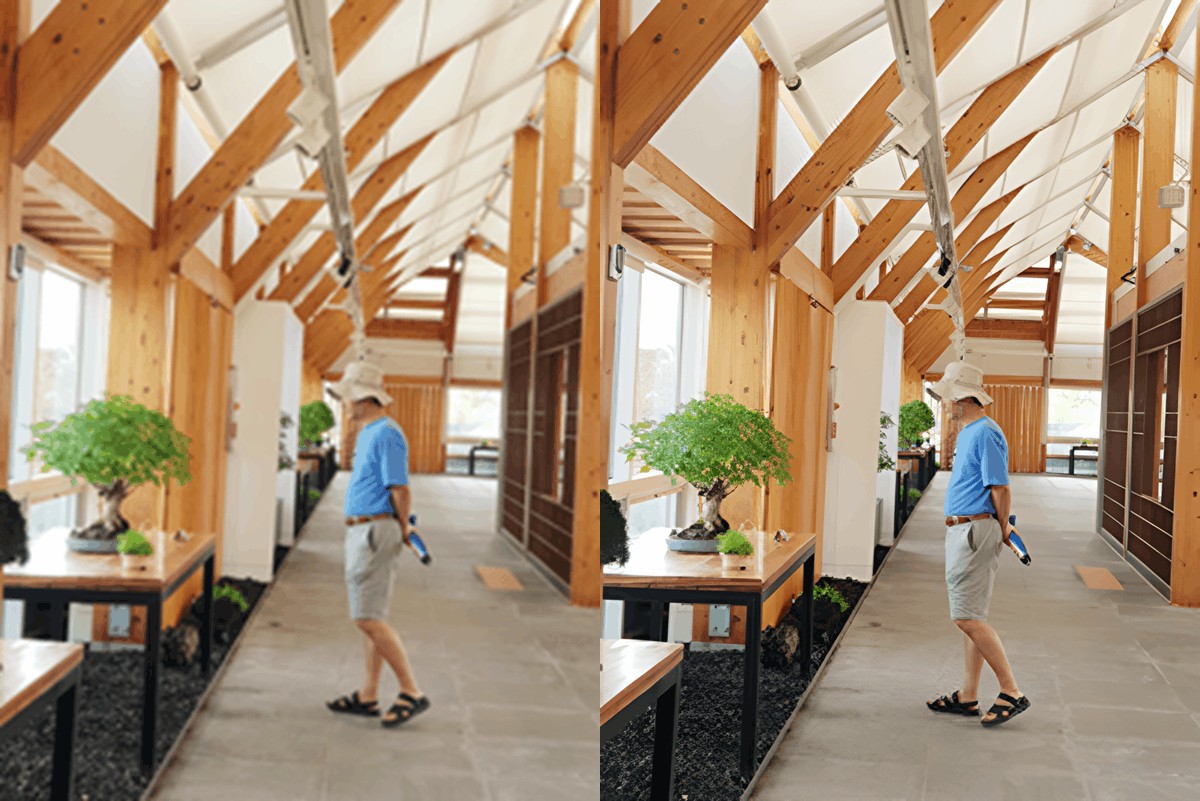
[AI Image Quality Restoration]

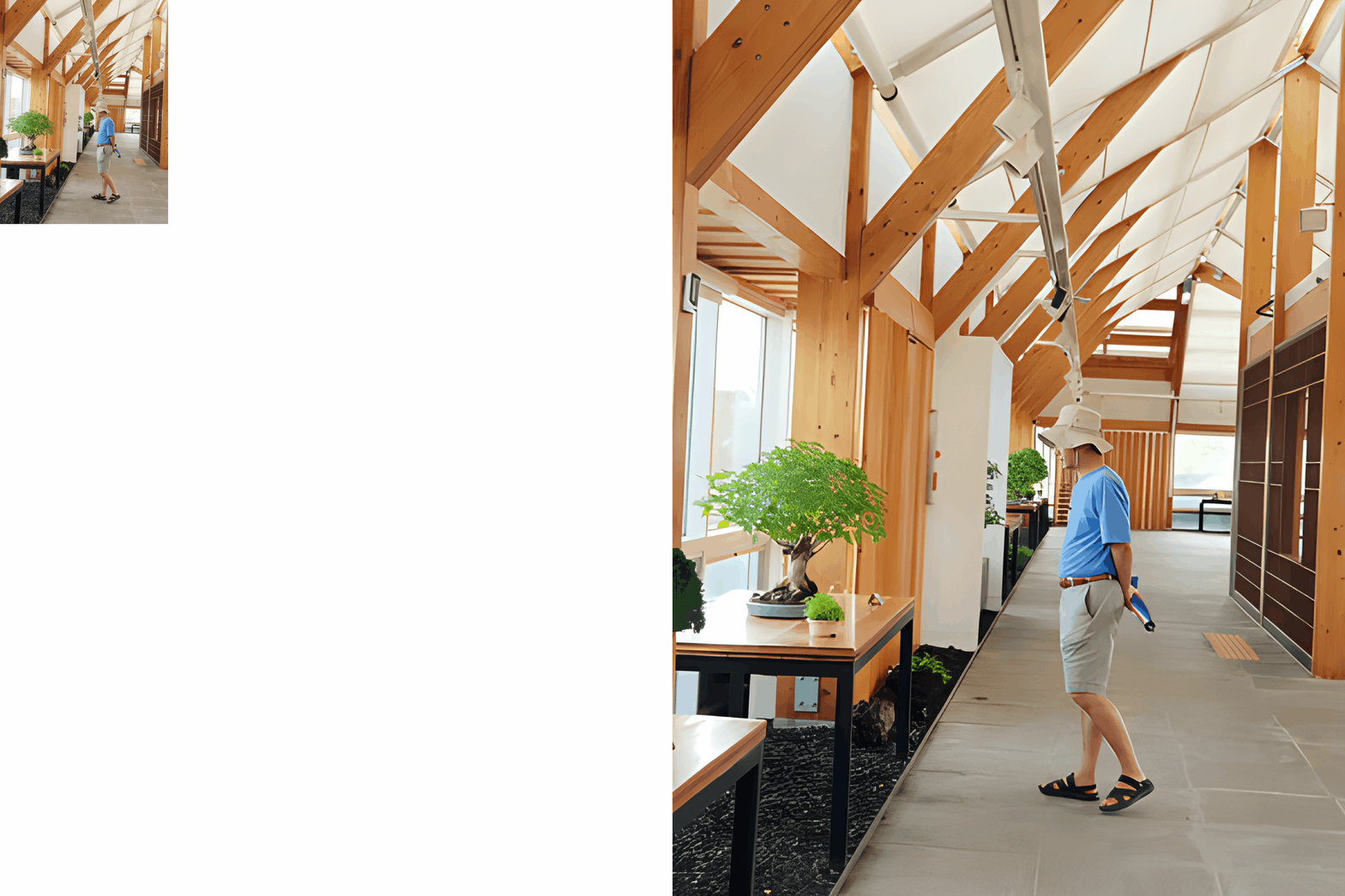
[AI Image Upscaling]

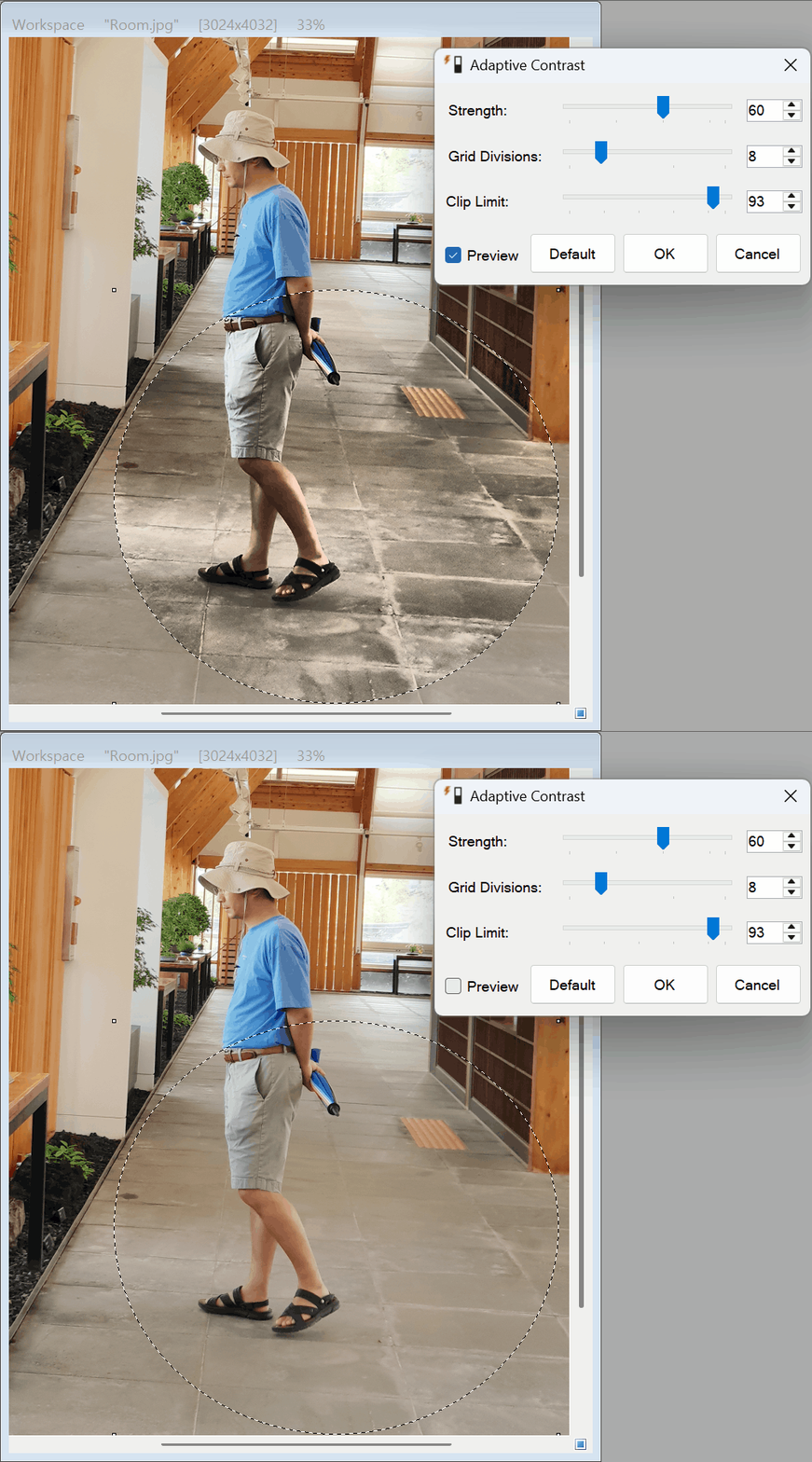
[Adaptive Contrast]

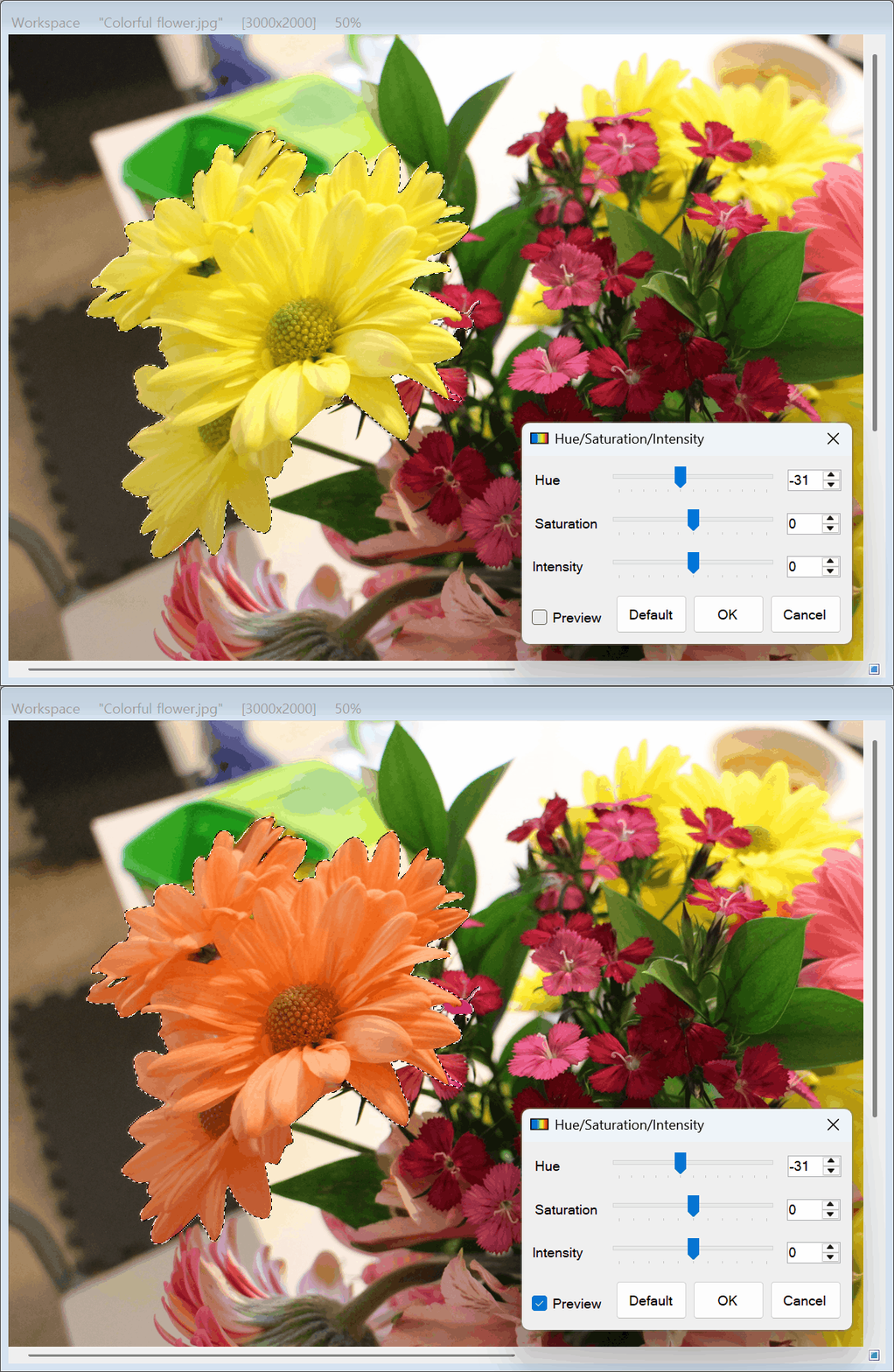
[Hue/Saturation/Intensity Adjustment]
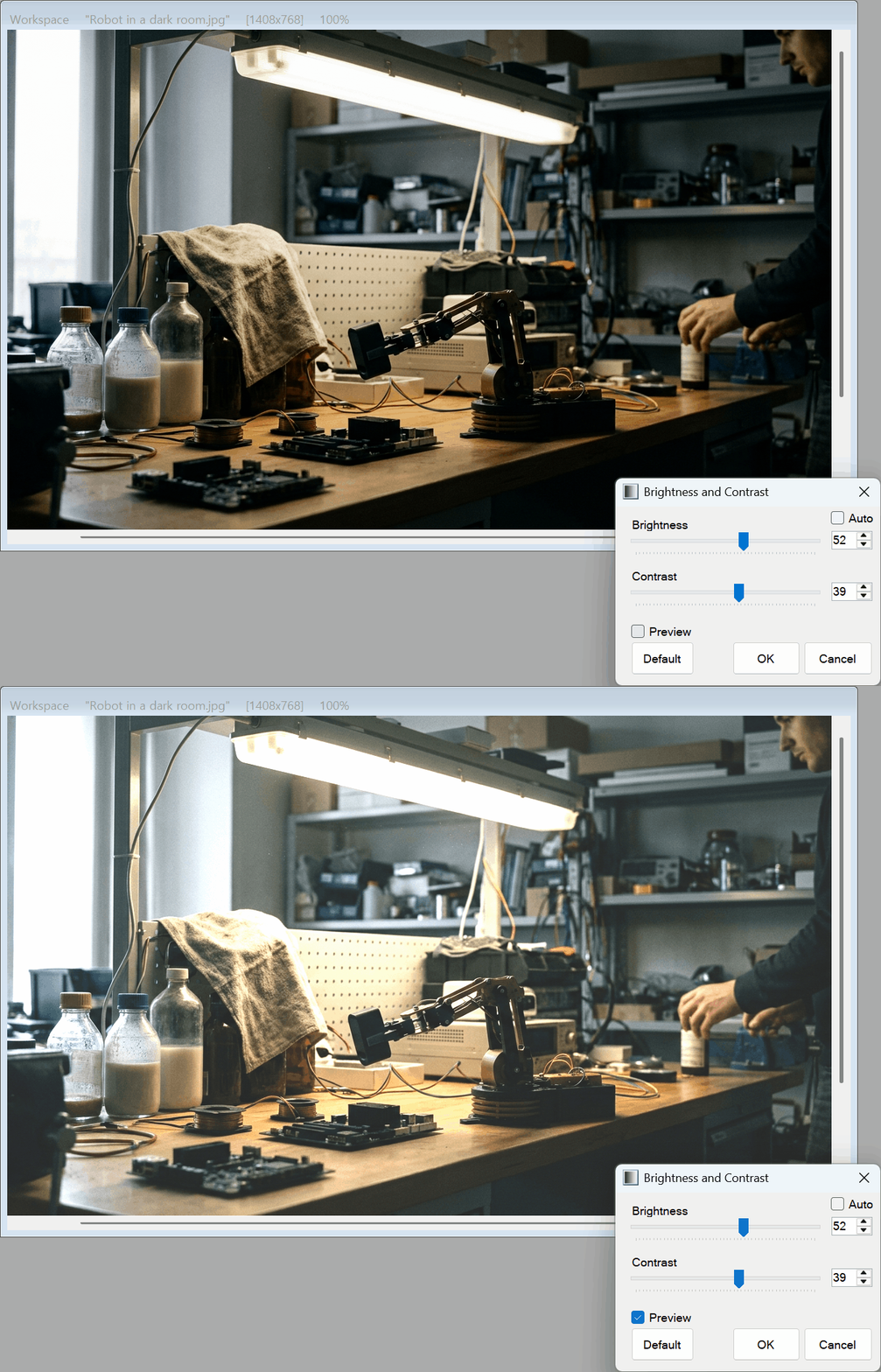
[Brightness and Contrast Adjustment]
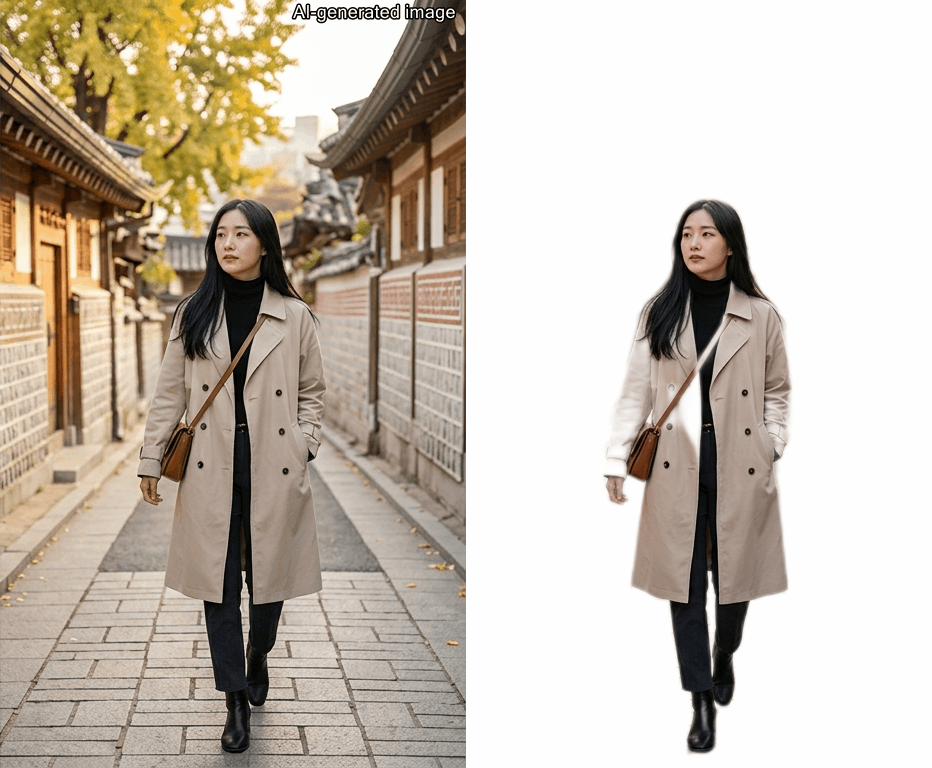
[AI Automatic Background Removal – Selfie, Portrait, General Object ]
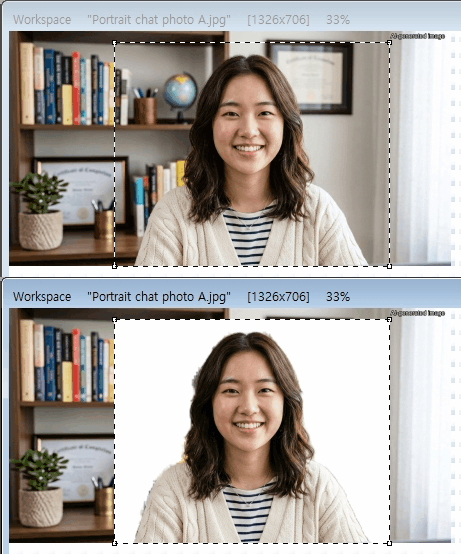
Background Removal by Selfie Background Removal by Portrait Background Removal by General Object

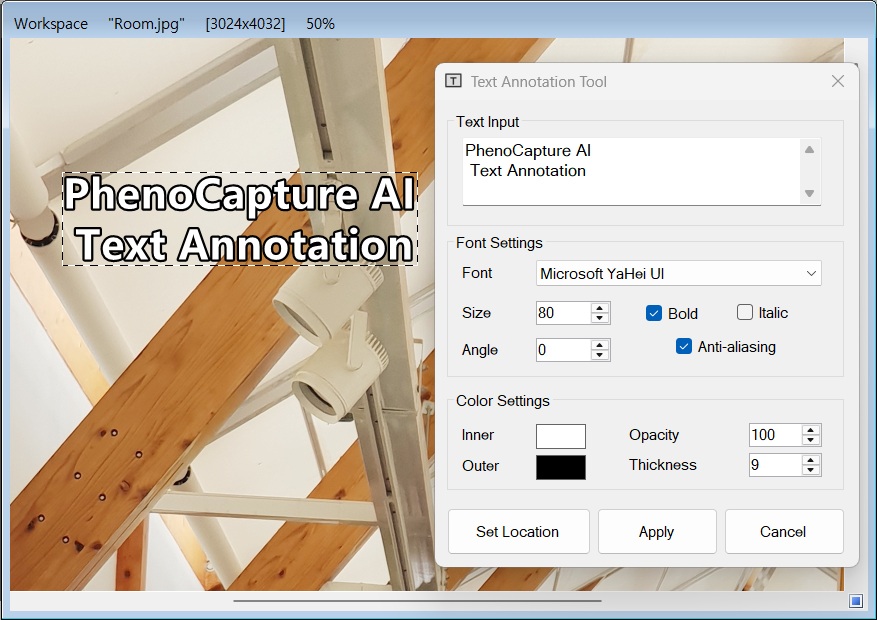
[Text Annotation]

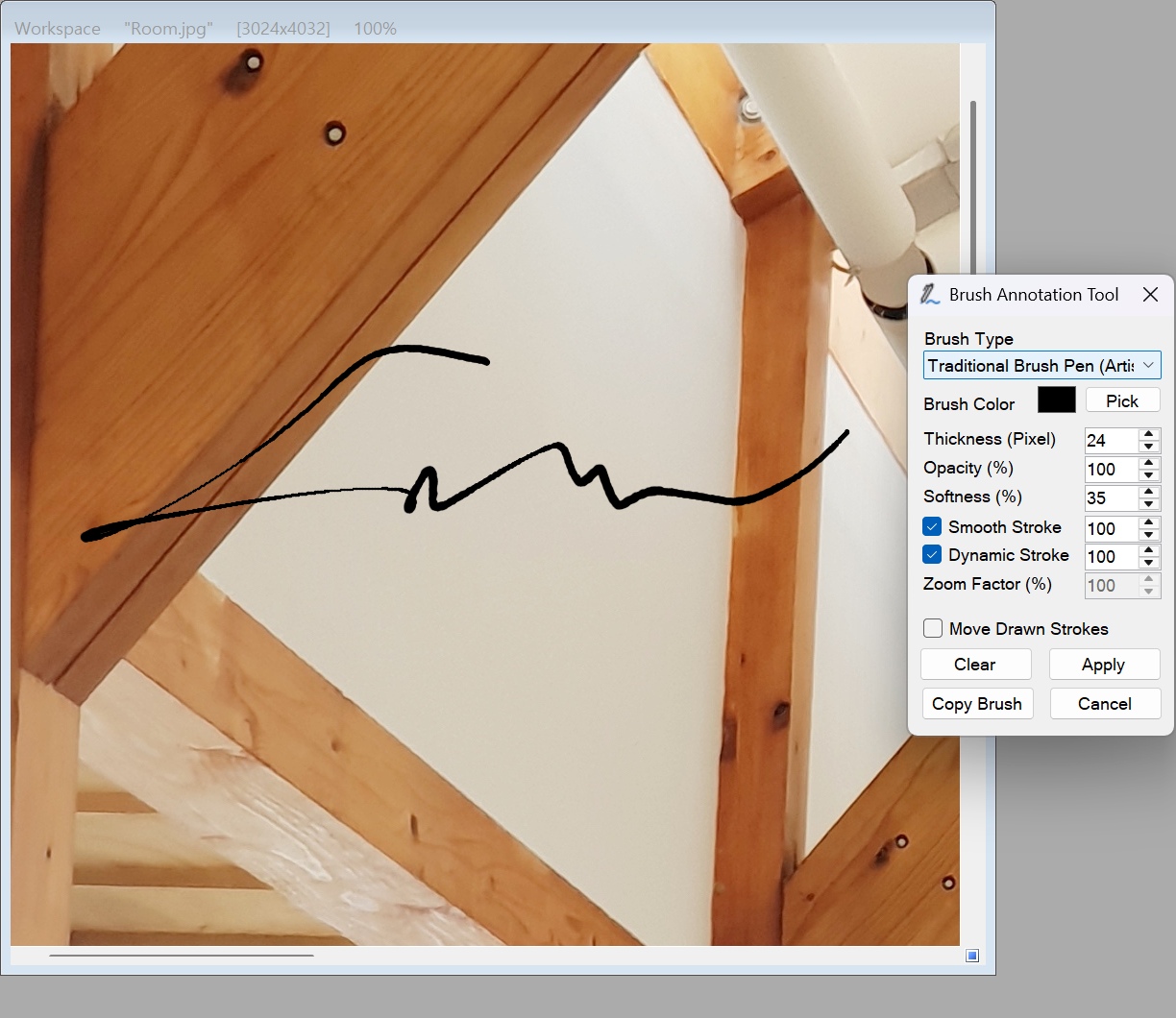
[Brush Annotation]

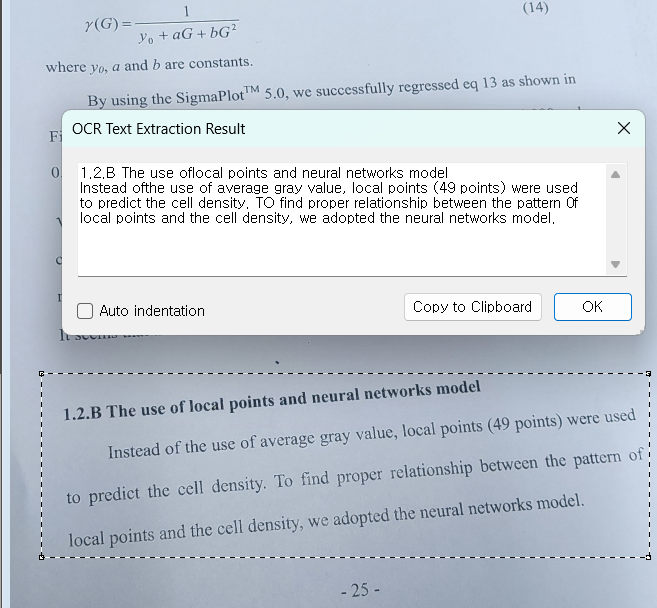
[OCR Text Extraction]

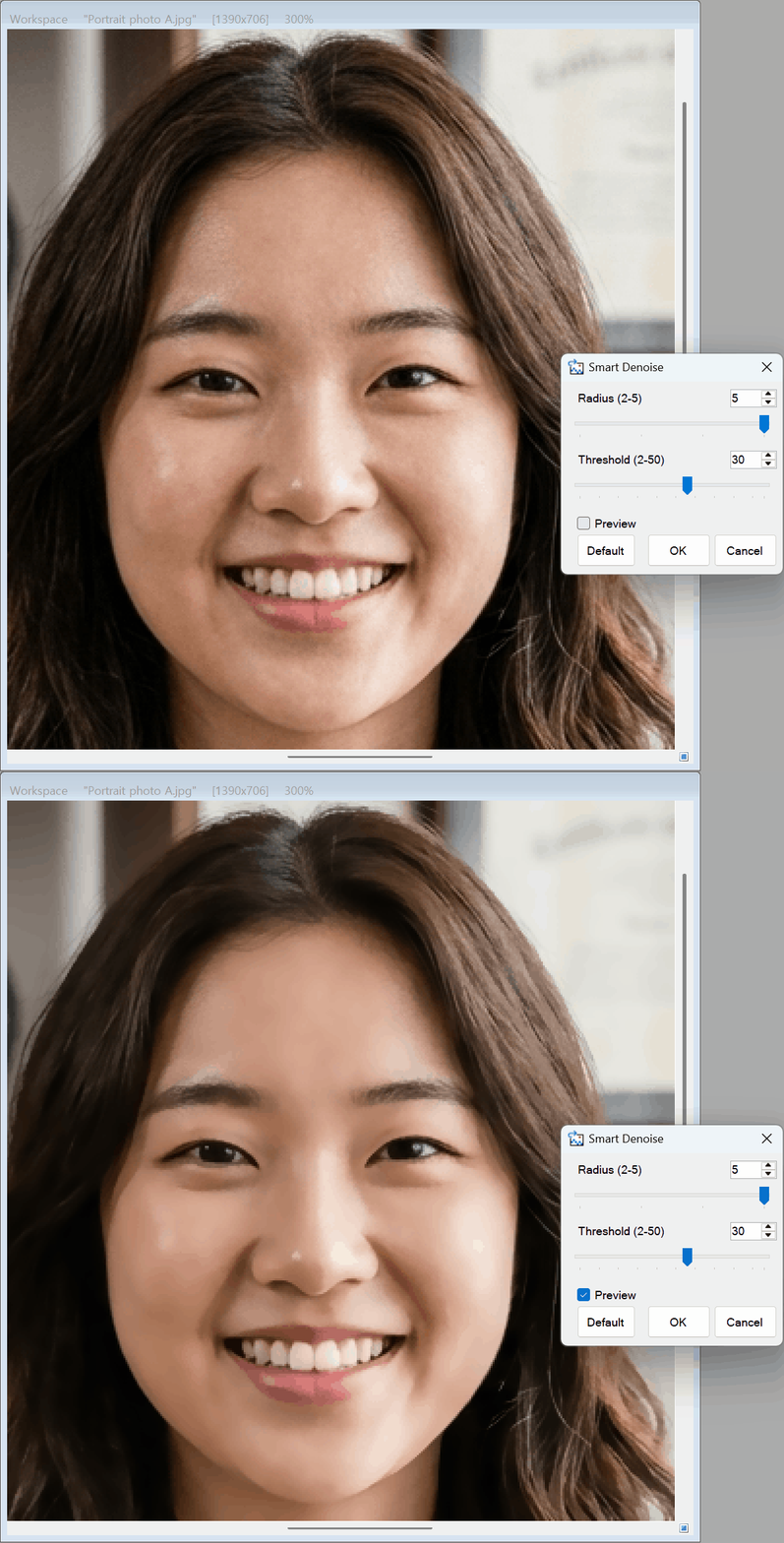
[Smart Denoise]

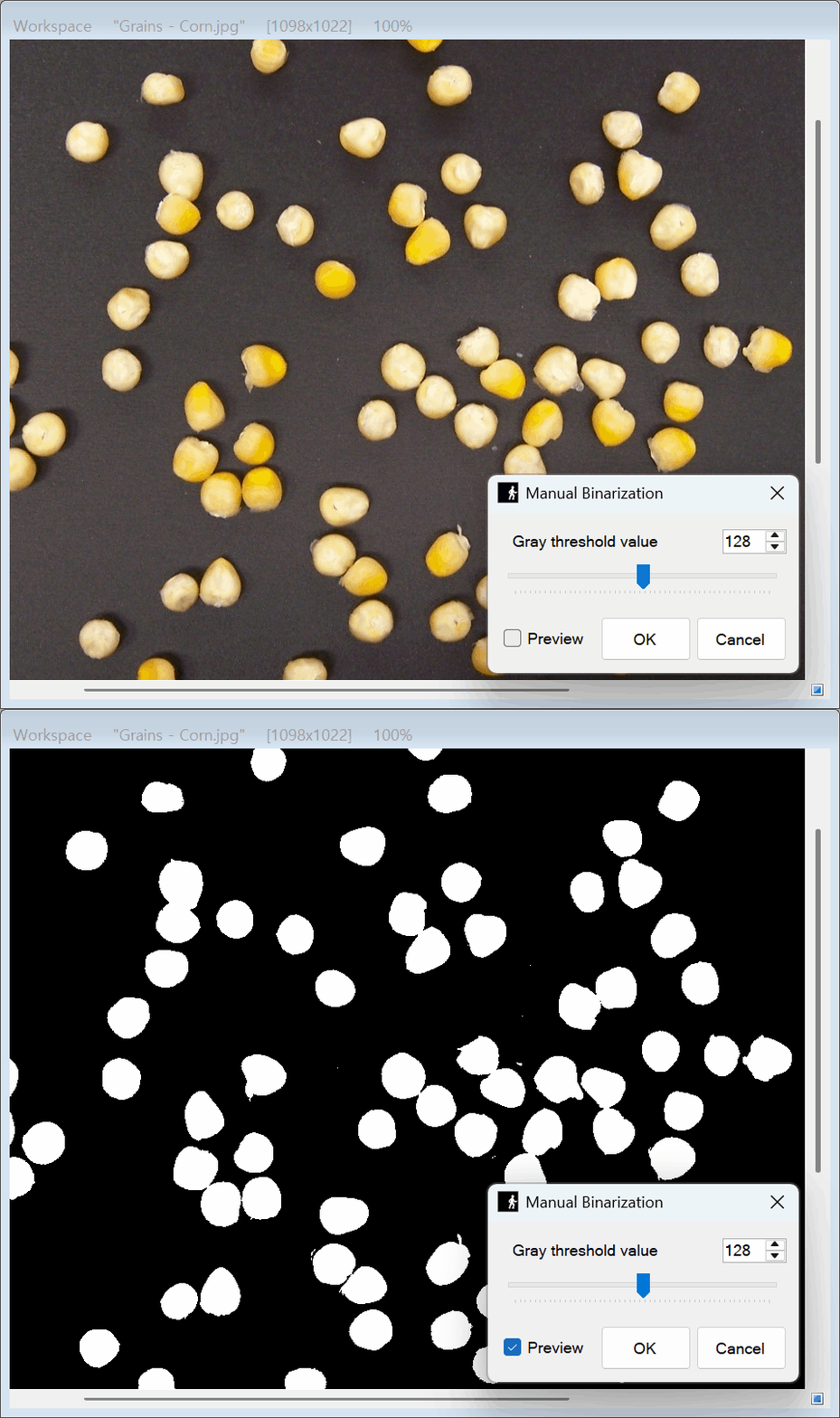
[Manual Binarization]

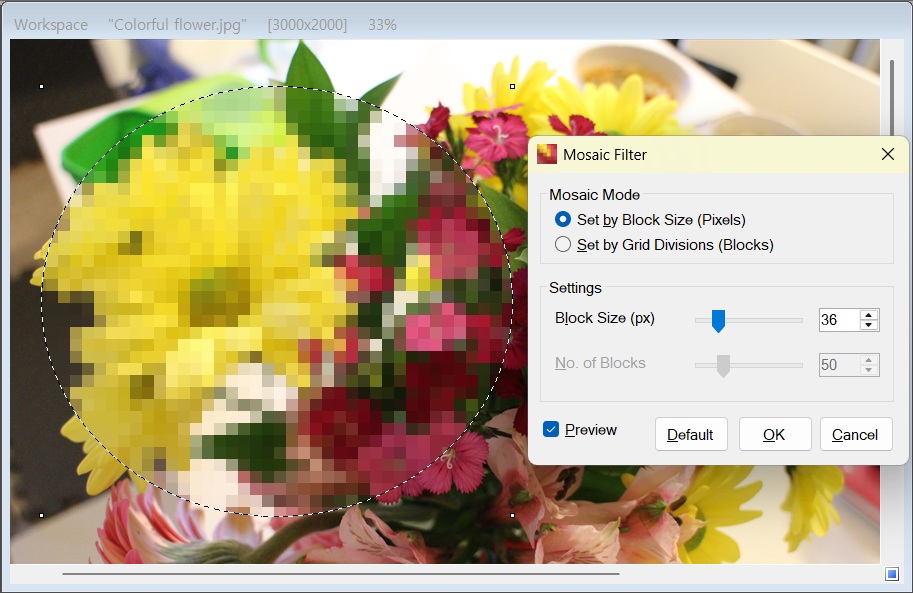
[Mosaic Filter]

[Image Stamp]

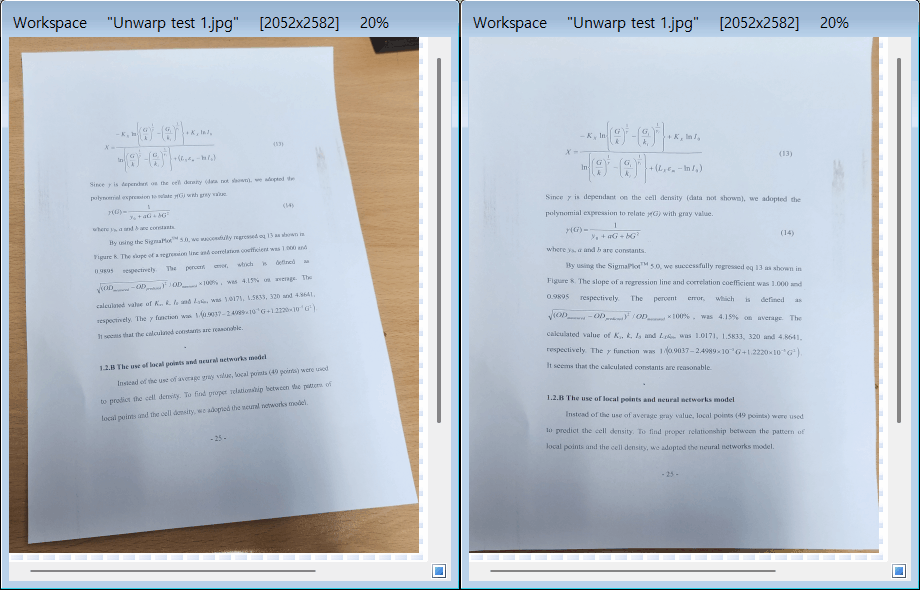
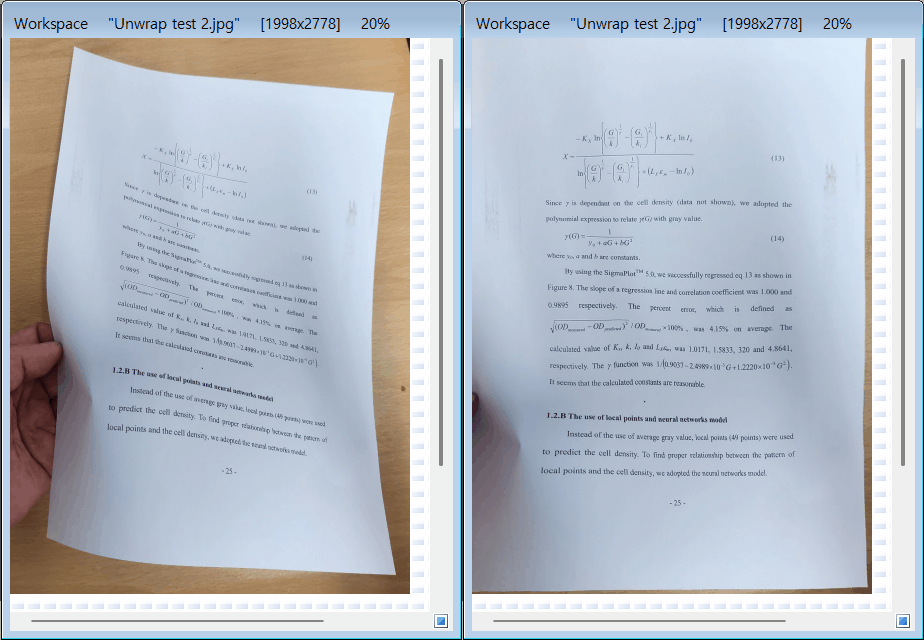
[AI Document Unwarp]

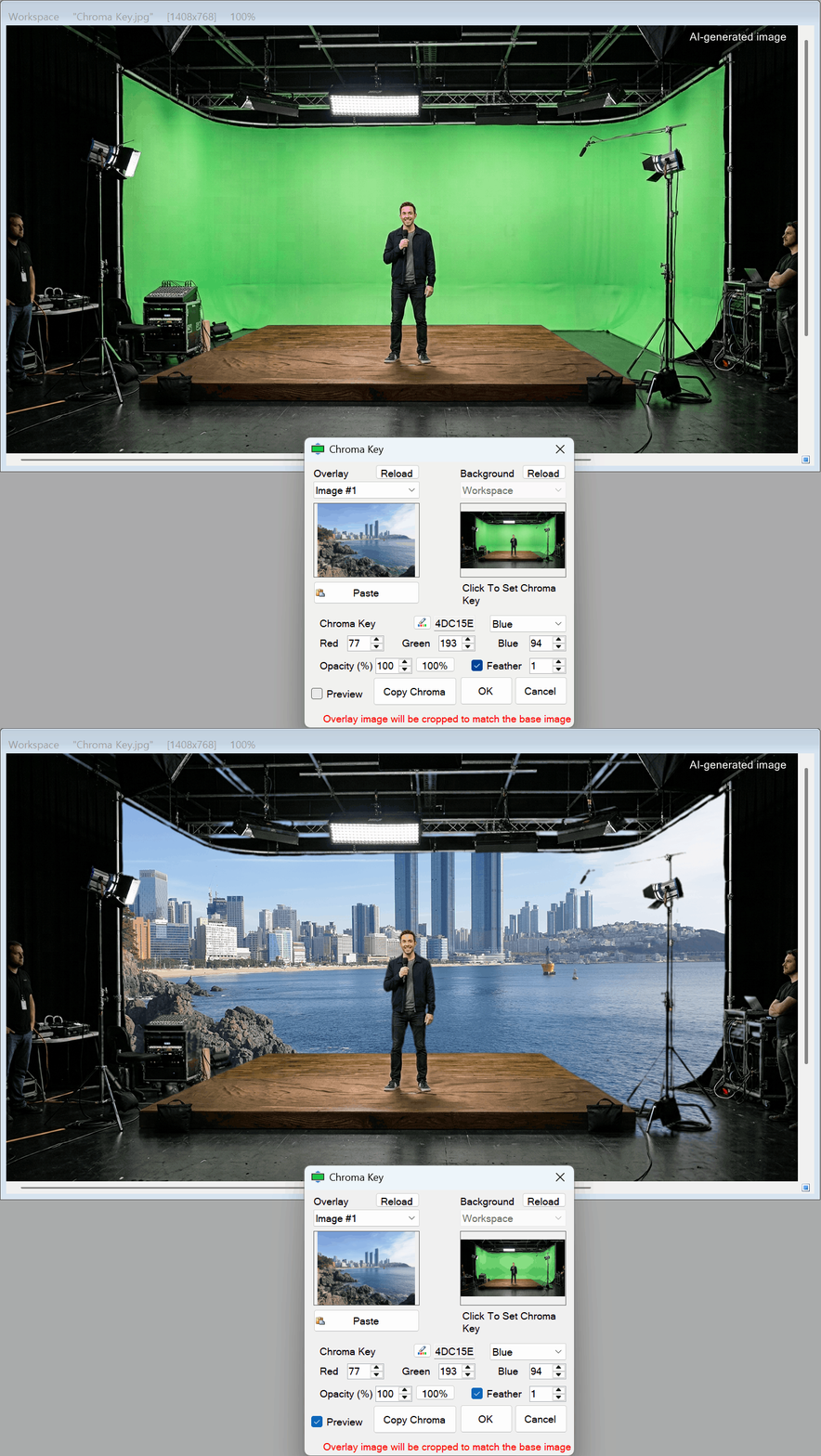
[Chroma Key]

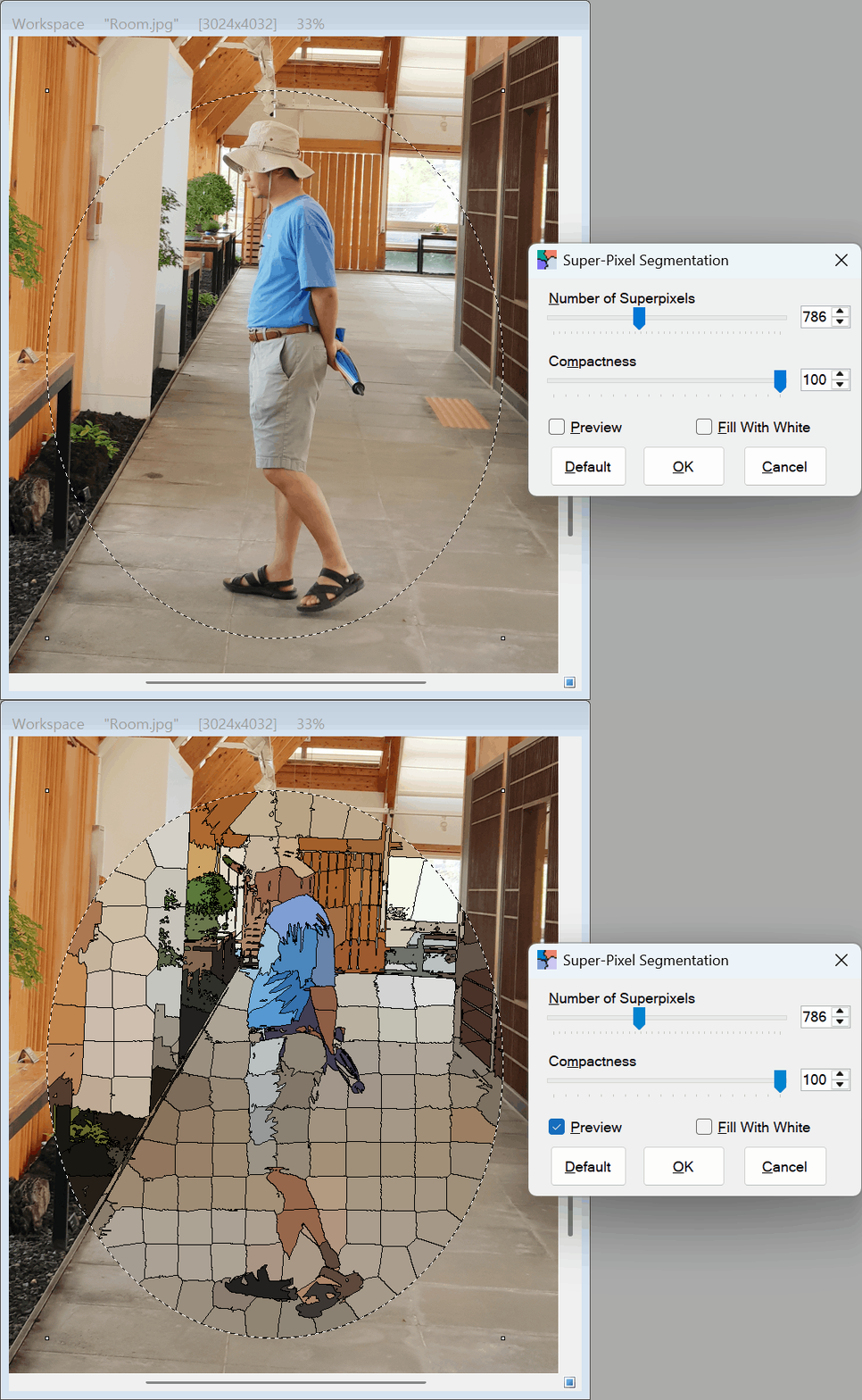
[Super-Pixel Segmentation]

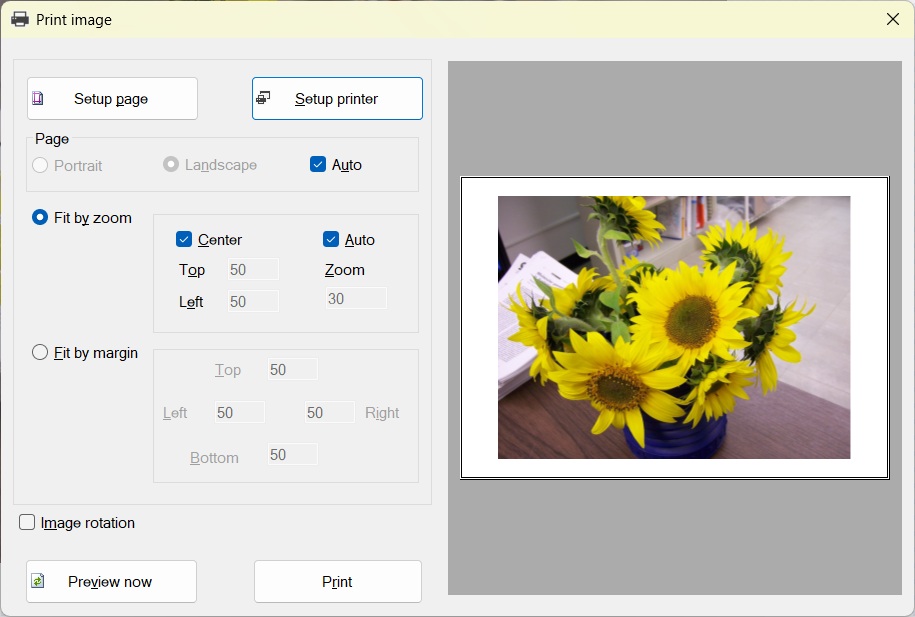
[Print Image]

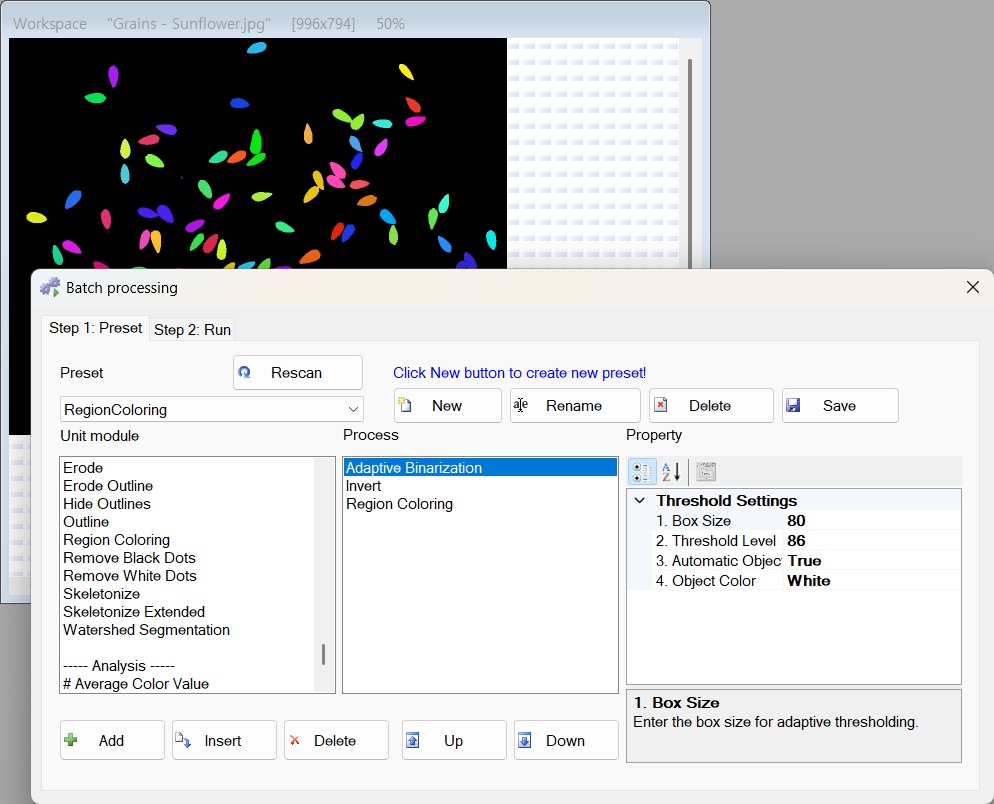
[Batch Processing]

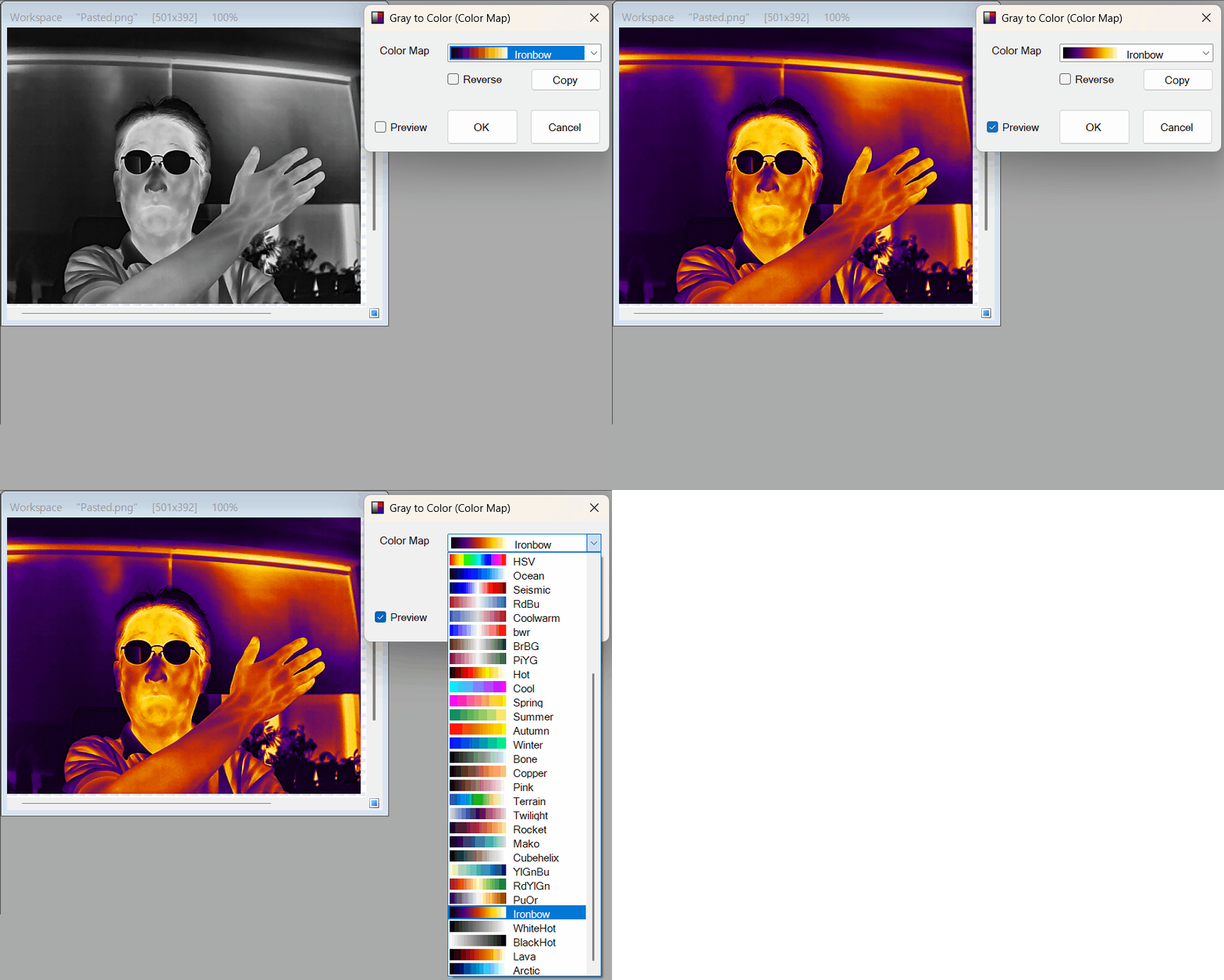
[Gray To Color (Color Map)]

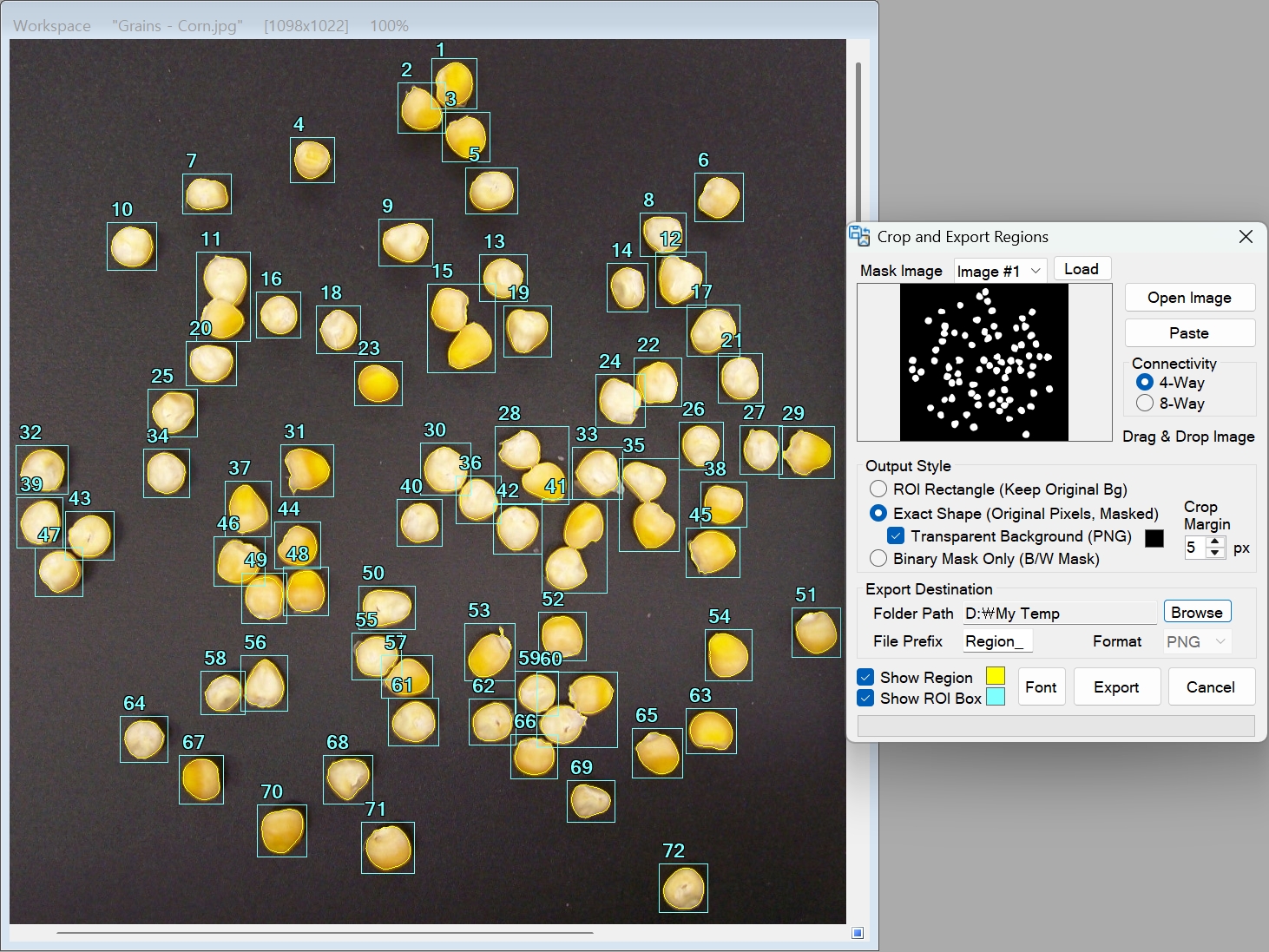
[Crop & Export Regions]

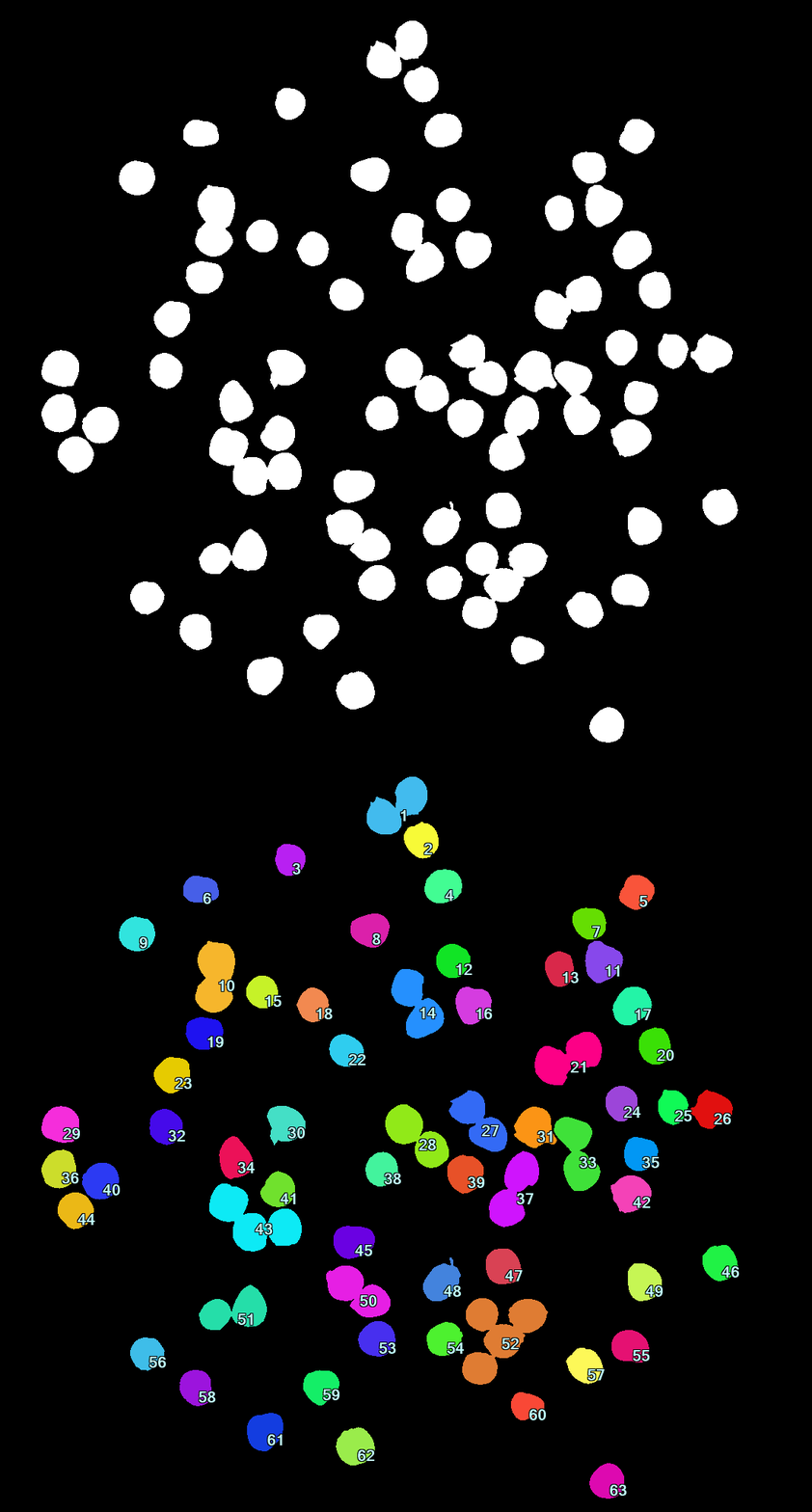
The image below shows the region (blob) files generated after exporting.
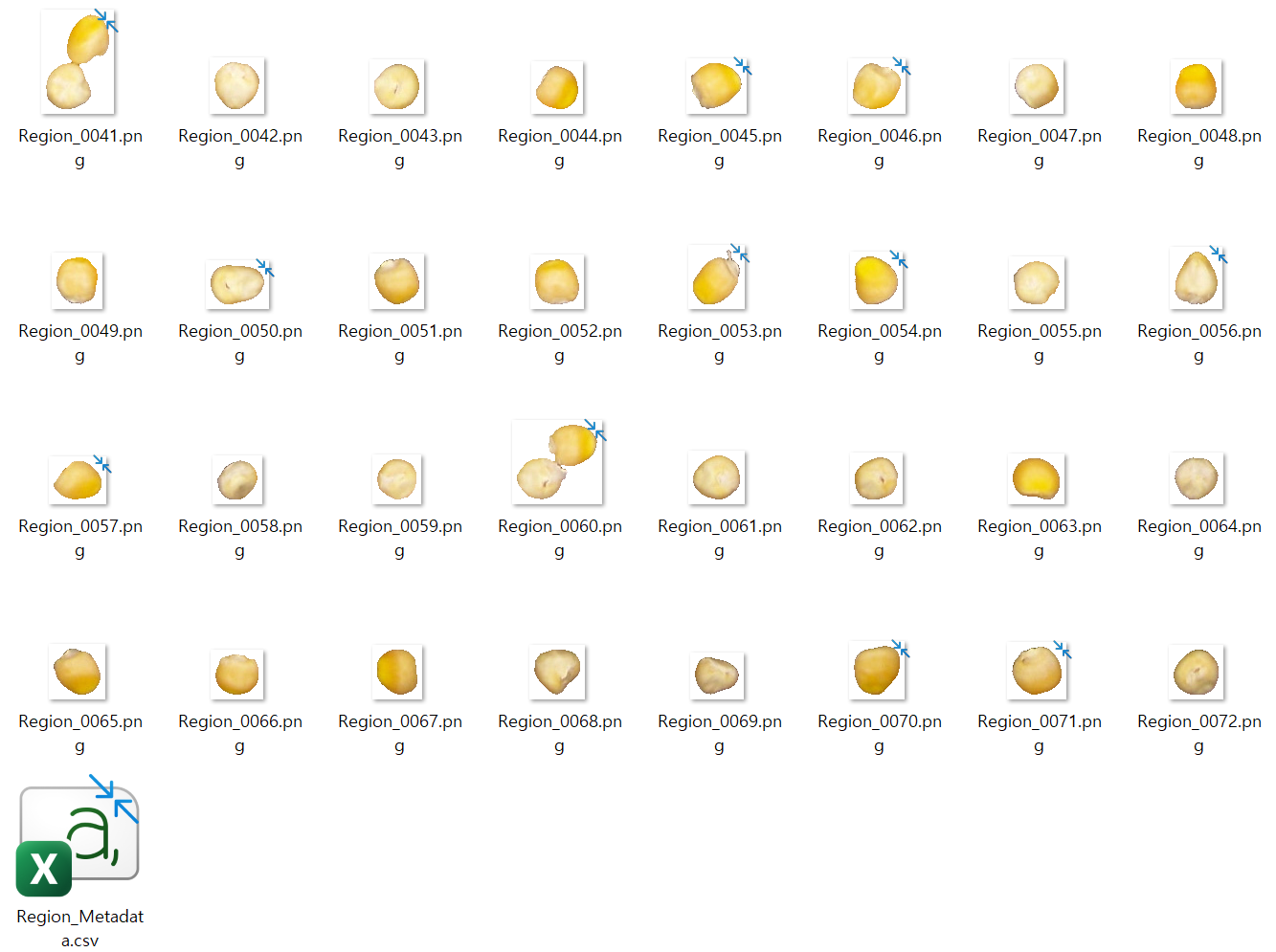
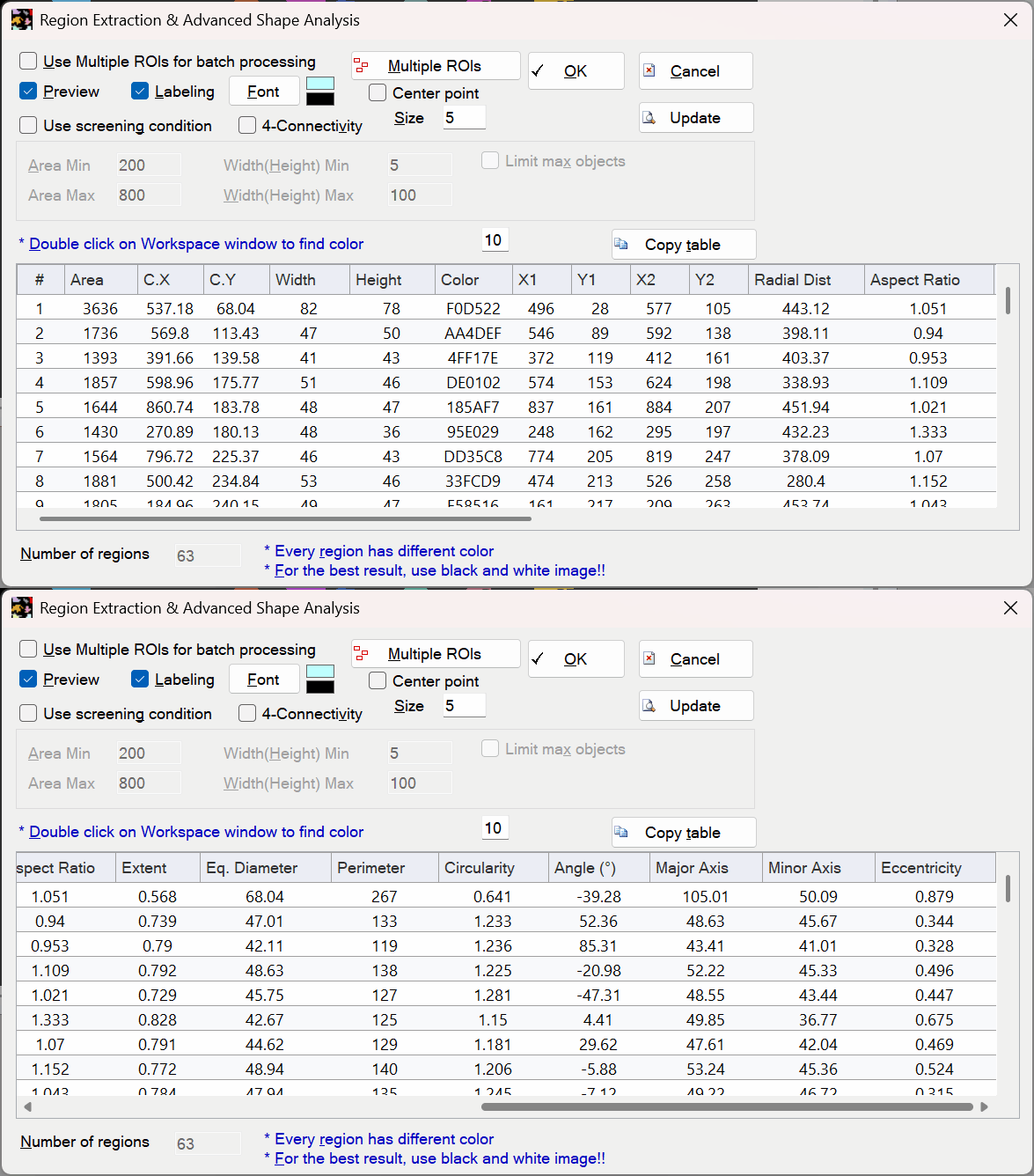
[Region Extraction Analysis]

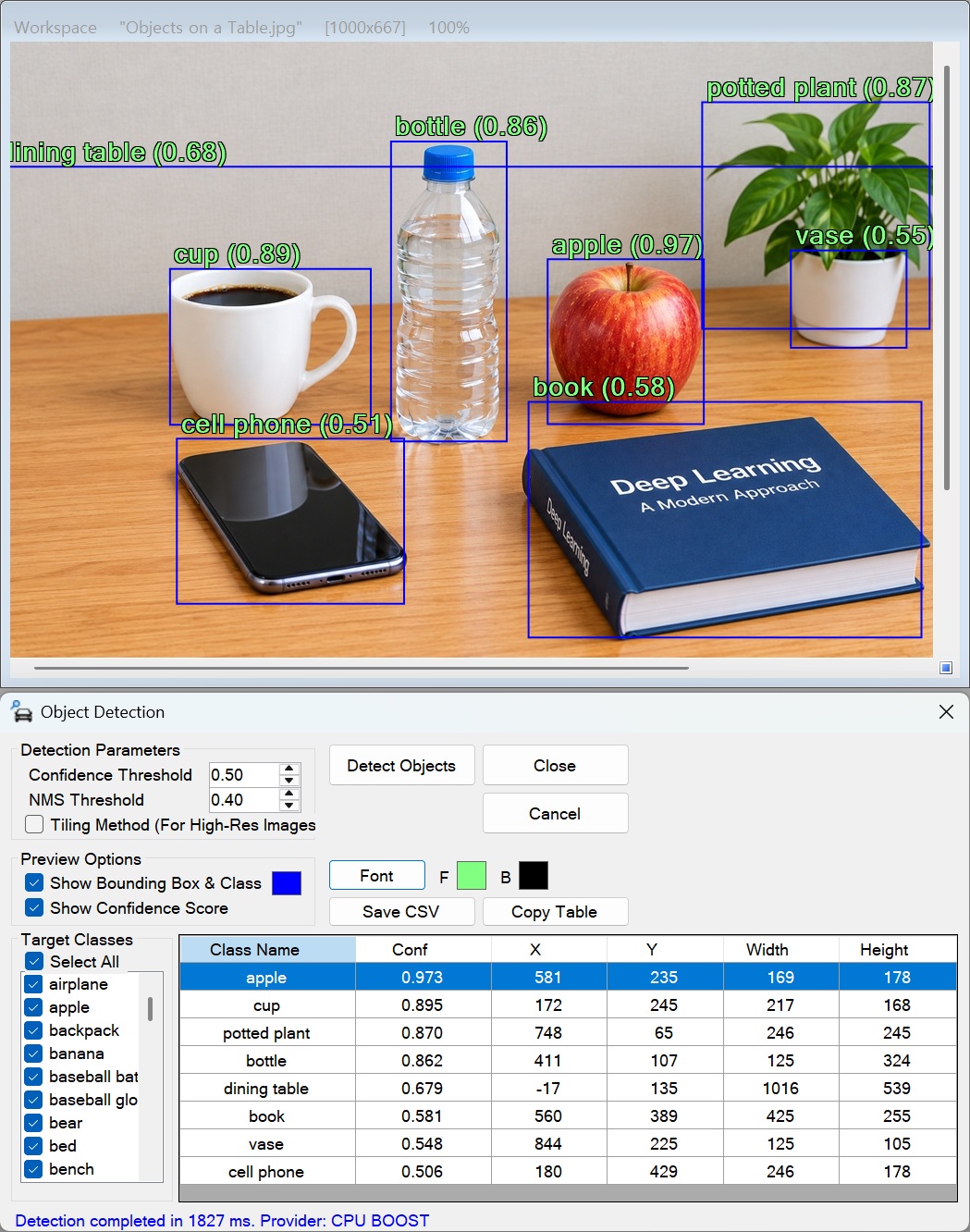
[Yolo3 Object Detection]


  • Selection Tool
  • AI Exposure Correction
  • Remove Dots
  • AI Object Detection
  • Crop and Export Regions
  • Paste Selection As Binary
  • Quick Start: Workspace Setup and Basic Use
  • Image Quality Restoration
  • Paste and Fit to Rectangle Selection
  • Gamma Adjustment
  • Inverse Fourier Transform (IFFT)
  • Paste
  • Copy
  • Image Stamp
  • Brush Annotation
  • Toolbox
  • Unselect
  • Undo & Redo Functions
  • Subtract Binary Image from Selection
  • Add Binary Image to Selection
  • Create Selection From Binary Image
  • Shrink Selection
  • Expand Selection
  • Reverse Selection
  • Magnetic Snap & Auto-Routing
  • AI Background Removal (General Object)
  • AI Background Removal (Portrait)
  • AI Background Removal (Selfie)
  • AI Auto Subject Selection (General Object)
  • AI Auto Subject Selection (Portrait)