Camera selection?
We recommend HD (high definition) web cameras. A typical price of an HD webcam is in a range of $30~70.
We have tested PhenoCapture AI using several different products as shown in the below.
| Product | Live view & still image size | Sample images | Evaluation (10 stars) |
| Logitech Webcam Brio 4K
4K Ultra HD |
Up to 4096×2160 | 10 stars | |
| Logitech Webcam Pro C910
1080p HD |
Up to 2592×1944
See Live view |
Plant, Playground, Bottles | 9 stars |
| Logitech Webcam Pro 9000
720p HD |
Up to 1600×1200
See Live view |
Plant 1, Plant 2 | 8 stars |
| Logitech Webcam C310
720p HD |
Up to 1280×960
See Live view |
Plant, Playground, Bottles, Shelf | 6 stars |
| Logitech Webcam C270
720p HD |
Up to 1280×720 | 6 stars | |
| Microsoft LifeCam Cinema
720p HD |
Up to 1280×720 | Plant | 7 stars |
| Microsoft LifeCam HD-5000
720p HD |
Up to 1280×720
See Live view |
Plant, Playground, Bottles, Shelf | 6 stars |
| Creative Live! Cam Socialize
720p HD |
Up to 1200×720
See Live view |
Plant 1, Plant 2, Shelf, Bottles | 5 stars |
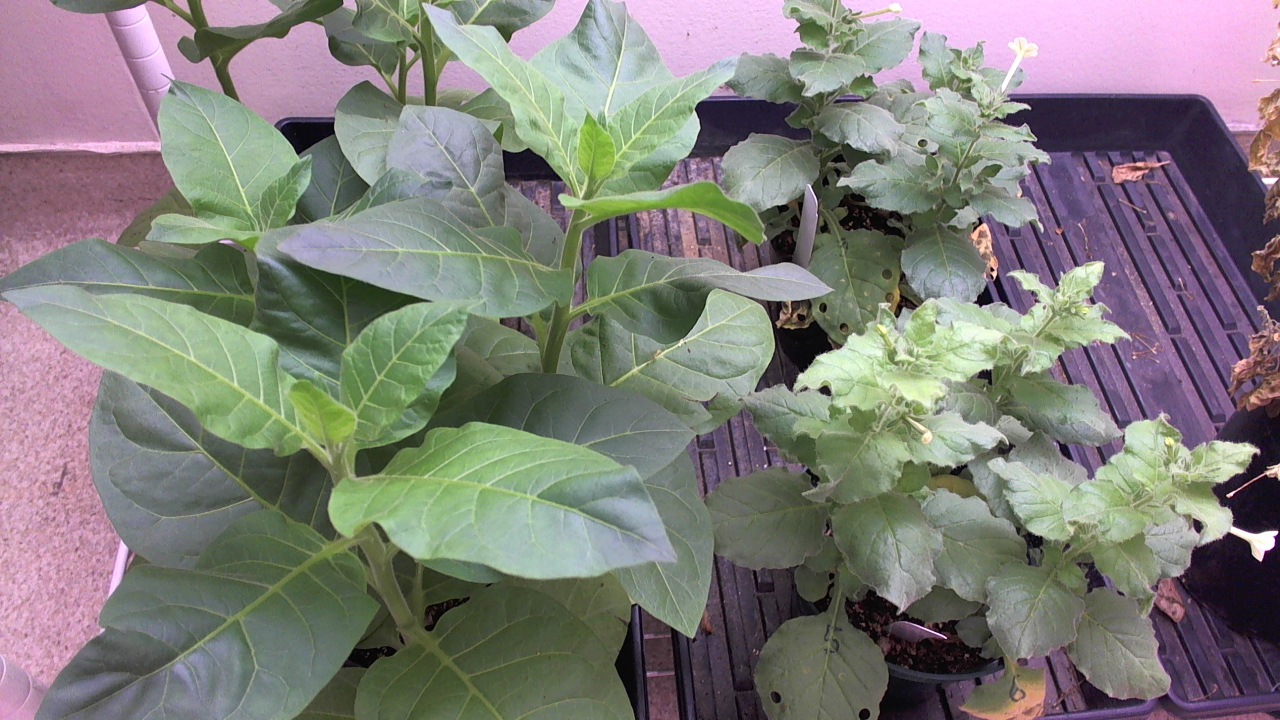


* 6 out of 9 stars is still good.
If you click on some of the product links, they will take you to the purchase page. As part of the Amazon Partner Program, we may earn a small commission.
Logitech Webcam Brio 4K Compatibility Issue and Solution
PhenoCapture AI is compatible only with Brio 4K webcam firmware up to version 1.0.423. It does not work with Brio 4K webcams running firmware version 2.0 or later. The official Logitech Brio 4K firmware update tool does not allow installing an older firmware version than the one currently on the device. However, users have the option to force-install old version.
After installing the Brio 4K firmware update tool, you can run the following command in the command line window to install an older firmware version:
FWUpdateBRIO.exe -force
Please note that downgrading firmware is entirely at the user’s own discretion. If the Brio 4K webcam fails to function properly after the downgrade, we cannot take responsibility.
For better image analysis,
Keep in mind that most of image capture devices automatically adjust brightness/contrast, exposure, focusing, and white balance. Therefore, you may need to turn off such automatic adjustments as possible as you can to collect more consistent images. Most bundle software provided by camera manufacturers have a function to control these parameters.