✨ A Complete Guide to AI Background Removal (Selfie)
PhenoCapture AI’s AI Background Removal (Selfie) tool is a highly specialized artificial intelligence feature designed to instantly separate people from their surroundings. Whether you are editing a headshot, preparing a portrait, or setting up a virtual background, this tool cleanly strips away the original background while perfectly preserving the human subject.
Most importantly, this specific AI model is engineered for extreme speed, delivering real-time or near-instantaneous background removal without sacrificing accuracy!
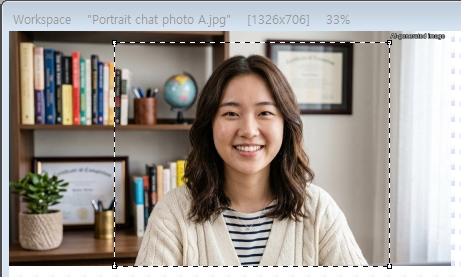 |
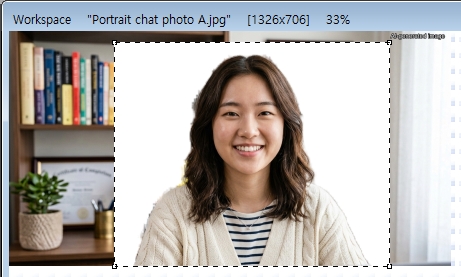 |
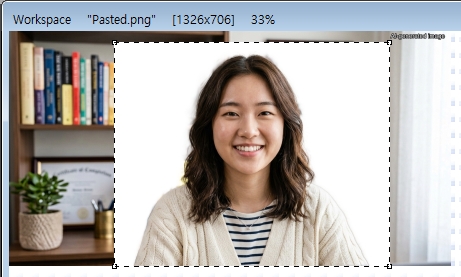 |
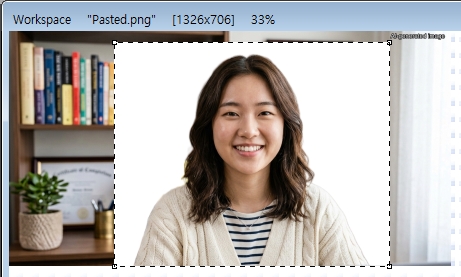 |
| Original Image | Background Removal by Selfie | Background Removal by Portrait | Background Removal by General Object |
 |
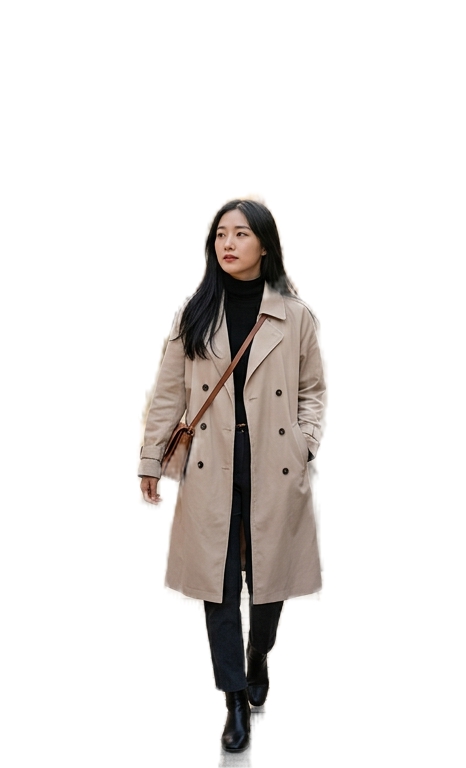 |
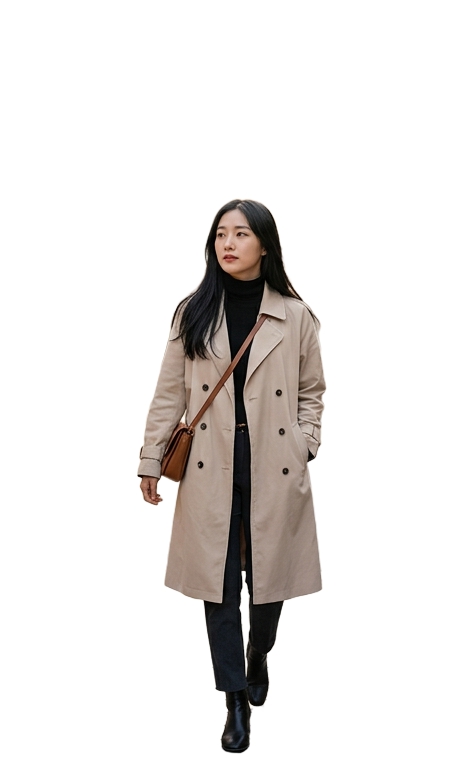 |
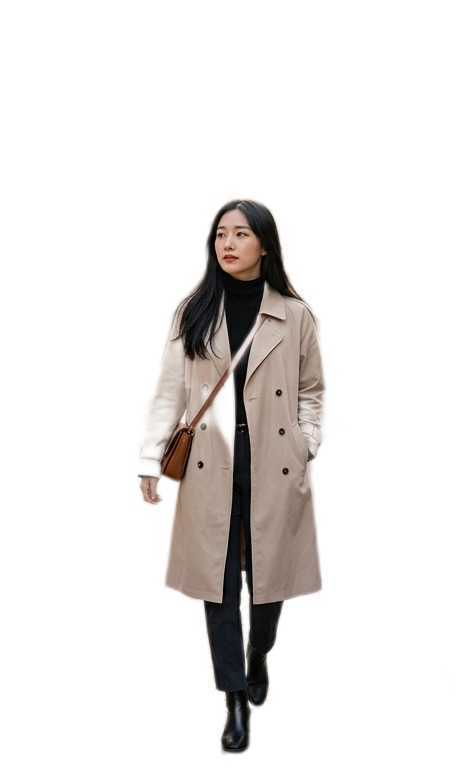 |
| Original Image | Background Removal by Selfie | Background Removal by Portrait | Background Removal by General Object |
💡 Key Features
- Lightning-Fast Processing: Unlike heavier AI models that can take a few moments to analyze an image, the Selfie Background Removal tool is optimized for incredible speed. It breezes through images almost instantly, making it perfect for rapid editing workflows.
- Portrait-Optimized AI: The artificial intelligence powering this tool is exclusively trained to recognize human subjects. It easily identifies faces, hair, shoulders, and clothing, ensuring the person remains perfectly intact while everything else is erased.
- Flexible Background Replacement: By default, the tool will instantly replace your cluttered background with a clean, solid white canvas. However, the system is fully equipped to drop your subject seamlessly onto a brand-new custom background image if you provide one.
- Whole Image or Targeted Region: You are in full control of where the AI looks! If you only want to remove the background behind a specific person in a group photo, simply draw a boundary around them using the selection tools. The AI will strictly focus its high-speed removal on that highlighted area, leaving the rest of your image completely untouched.
- Smart Hardware Acceleration: The software automatically detects your computer’s hardware and selects the fastest available processor, guaranteeing the smoothest and quickest background removal possible.
- Seamless Undo Integration: Connected directly to PhenoCapture AI’s built-in undo engine, allowing you to instantly revert to your original background if you want to try a different selection.
🛠️ How to Use AI Background Removal (Selfie)
Step 1: Prepare Your Image (and Optional Boundary)
Ensure your photo is loaded into the main workspace.
- For the entire image: Leave the image as is. The AI will scan the entire photo, locate the human subject, and remove the background everywhere else.
- For a specific area: Use the standard selection tools to draw a boundary around the person you want to isolate. The background removal will only happen inside this shape.
Step 2: Activate the AI
Navigate to the menu and click on AI Background Removal (Selfie).
Step 3: Enjoy the Instant Results!
A progress window will briefly appear as the AI kicks into high gear. Thanks to its ultra-fast processing speed, your original background will vanish almost instantly, leaving your subject perfectly isolated on a crisp new background!